


Betaflight RPMFILTER or DSHOT_TELEM Error: Why the Quad Refuses to Arm

Your receiver works, the arm switch is correct, but Betaflight displays RPMFILTER or DSHOT_TELEM. That is often a deliberate arming block: RPM filtering expects valid information from every ESC, and one of them is not replying as configured.
Quick triage: symptom to next action
| Observed symptom | What it may indicate | Safe first check |
|---|---|---|
| 100% telemetry errors with USB only | ESC power stage may be unpowered | Remove props, power ESC as specified and retest |
| One motor has missing RPM feedback | One ESC channel, signal joint or firmware target | Inspect that output and its ESC configuration |
| Every ESC reports errors with LiPo connected | Wrong bidirectional DShot settings or unsupported firmware | Check firmware family, DShot rate and FC resources |
1. Understand what the warning means
Bidirectional DShot lets each ESC return motor eRPM data on its motor-control line. Betaflight uses this to place motor-noise filters accurately. An error is not equivalent to a bad receiver or failed gyro. It means the expected telemetry stream is missing or unreliable, so first identify which ESC channel or configuration is responsible.
2. Verify the ESC firmware and protocol
Read the actual ESC firmware family and version. Compatible options can include supported BLHeli_32, Bluejay and AM32 setups, depending on hardware. Old BLHeli_S firmware without bidirectional support cannot send the data that the FC expects. Choose a DShot rate supported by your loop rate and hardware; the fastest number is not always the best.
3. Remove props and inspect the Motors tab
Take off every propeller before connecting battery power to a configured quad. Power the ESC, open the Motors tab and look for telemetry error percentages and reported RPM. A misleading 100% error can appear when the ESC is not powered by a LiPo and only USB is connected. Confirm actual RPM feedback after the ESC is powered.
4. Check the simplest mismatch first
Confirm bidirectional DShot is actually enabled only where supported, the configured motor pole count equals the number of rotor magnets on each motor bell (not the number of stator teeth), and none of the motor outputs was inadvertently remapped to an unsupported resource. If just one motor reports errors, focus on its signal connection and that ESC rather than replacing the whole stack.
5. Re-enable filtering only after measurement
Do not bypass the error by disabling safety features for a maiden flight. Correct firmware or wiring first, keep a configuration backup, and compare telemetry errors again. Once running properly, retain conservative default gyro filtering until Blackbox data and short test flights support further changes.
Confirm that bidirectional DShot telemetry is healthy
Remove all propellers, power the ESC as specified, and inspect the Betaflight Motors tab for real RPM values on each motor channel. A stable error rate near zero (the Betaflight guide recommends no more than 1%) after ESC initialization is a stronger indication than a USB-only reading. Confirm the RPMFILTER/DSHOT_TELEM arming flag has cleared without circumventing safety and save the working ESC/FC configuration.
Before buying replacements
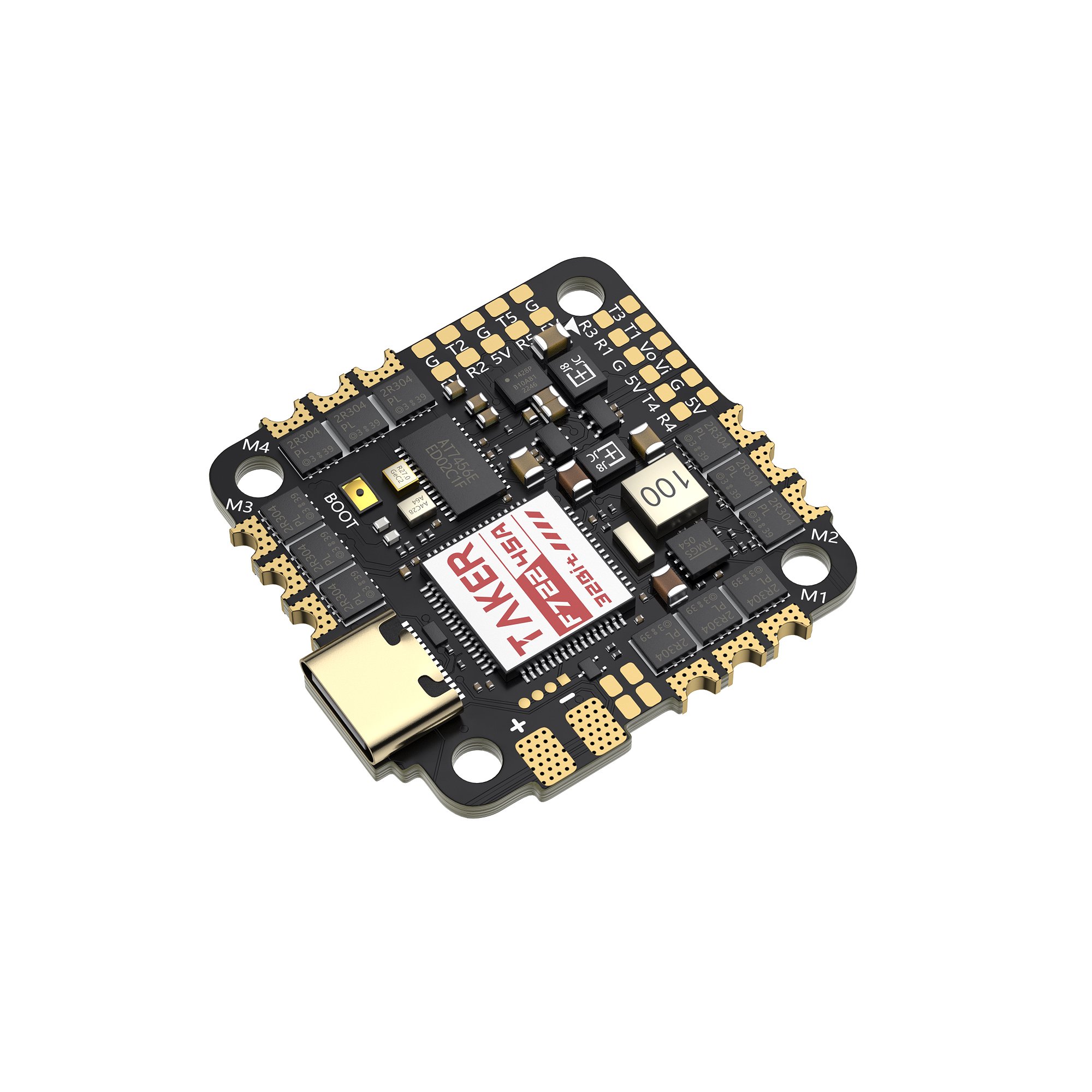
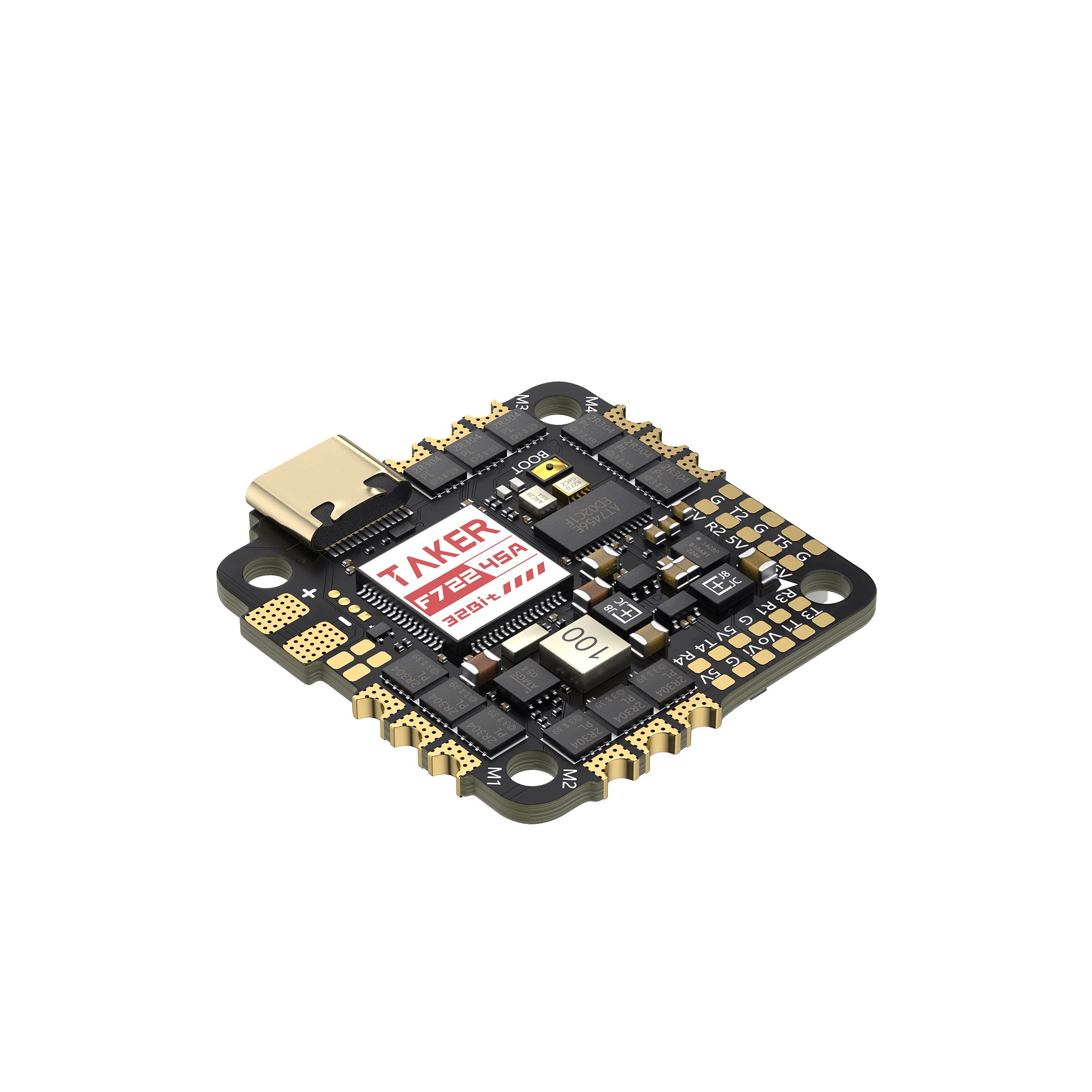
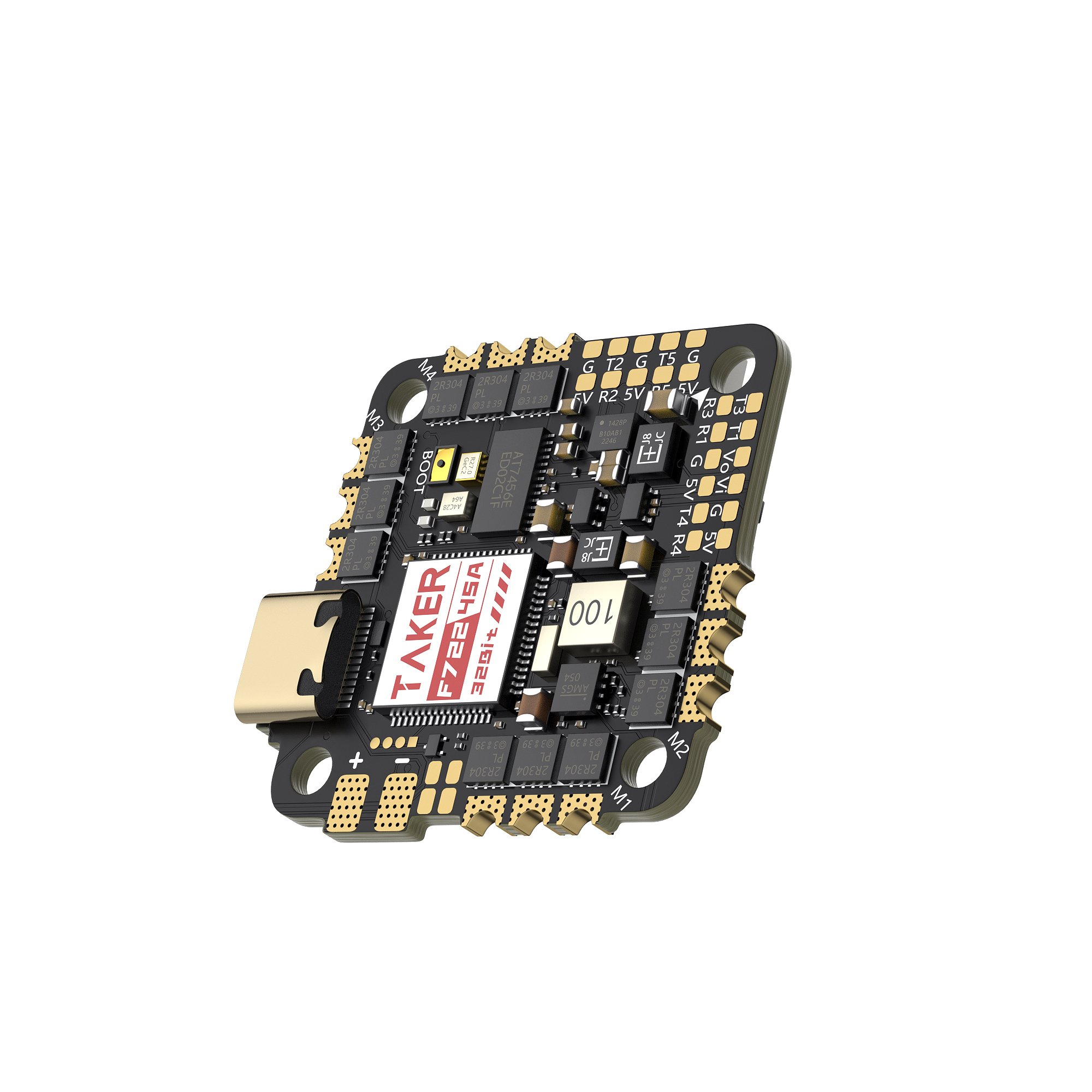
Confirm connector type, board revision, voltage range, mounting dimensions and firmware support against the manufacturer’s documentation. A similarly named product can have different wiring and compatibility. FalconFly keeps relevant products in its drone and FPV shop (related equipment: GEPRC TAKER F722 45A AIO), but a troubleshooting article is not evidence that a particular part must be replaced.
Related FalconFly guides
- Betaflight Failsafe Checklist: What Happens When Your FPV Radio Link Drops?
- FPV Flight Controller Reboots When You Punch Out? Diagnose Brownouts and Capacitors
A common false alarm: testing with USB power only
In Betaflight the Motors tab may show a high telemetry error percentage when the FC is connected to USB but the ESC itself has no LiPo power. That by itself is not evidence that every ESC is defective. Remove all propellers, power the system according to the manufacturer’s guidance and retest actual RPM reports. If all four channels fail with the ESC powered, compare firmware compatibility and selected protocol. If only one fails, inspect its connection and output mapping.
Treat DSHOT_TELEM and RPMFILTER as a genuine arming-safety signal once power is confirmed. Bypassing it to fly can expose the airframe to noise and filtering problems. Save the current configuration and make one targeted change at a time, documenting actual telemetry percentages after each test.
Frequently asked questions
Do I need to power the ESCs with a battery to see RPM telemetry?
Usually yes: USB alone powers the FC on many boards but not the ESC power stage. Remove every propeller before connecting the battery in Betaflight’s Motors tab.
Can I turn off bidirectional DShot to clear the arming flag?
It may remove an RPM-telemetry arming condition, but it also changes the filtering strategy and does not repair an underlying wiring or firmware problem. Confirm hardware support and configure filtering correctly.
Why does only one ESC report telemetry errors?
Inspect that motor output, ESC firmware target, signal path and solder joint rather than changing the other three channels. Note whether the fault stays on the output or follows a swapped component.
Technical reference
Read Betaflight DShot RPM filtering configuration for firmware- or hardware-specific implementation details.

















