


DJI RAW vs JPEG vs AEB: Which Photo Mode Saves a Difficult Real-Estate Shoot?

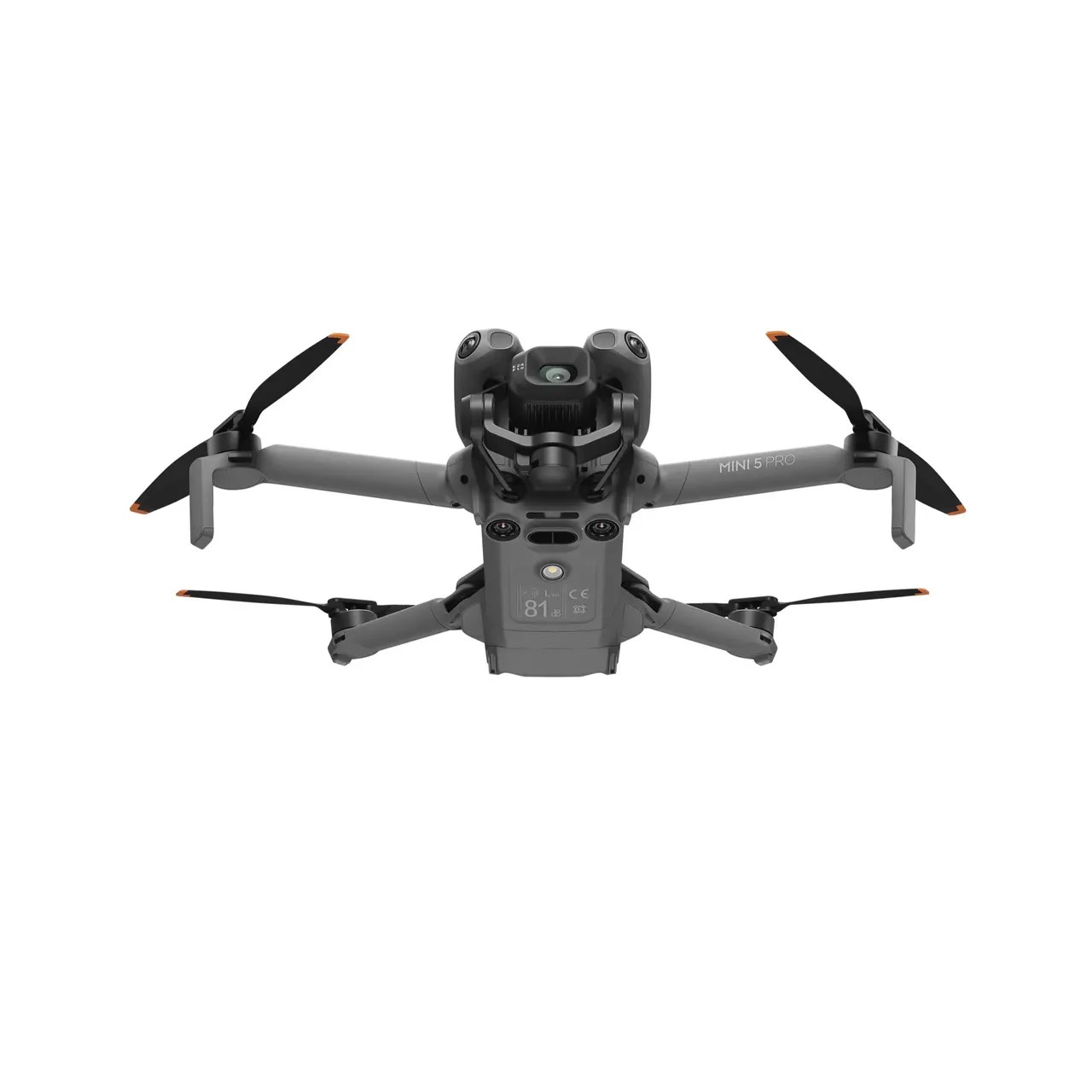
The building looks correctly exposed, but the windows are blown out and the courtyard is muddy. Changing drones may not solve it. The useful choice is between a fast finished JPEG, a flexible RAW file, and a bracketed set that can hold more of the scene’s contrast.
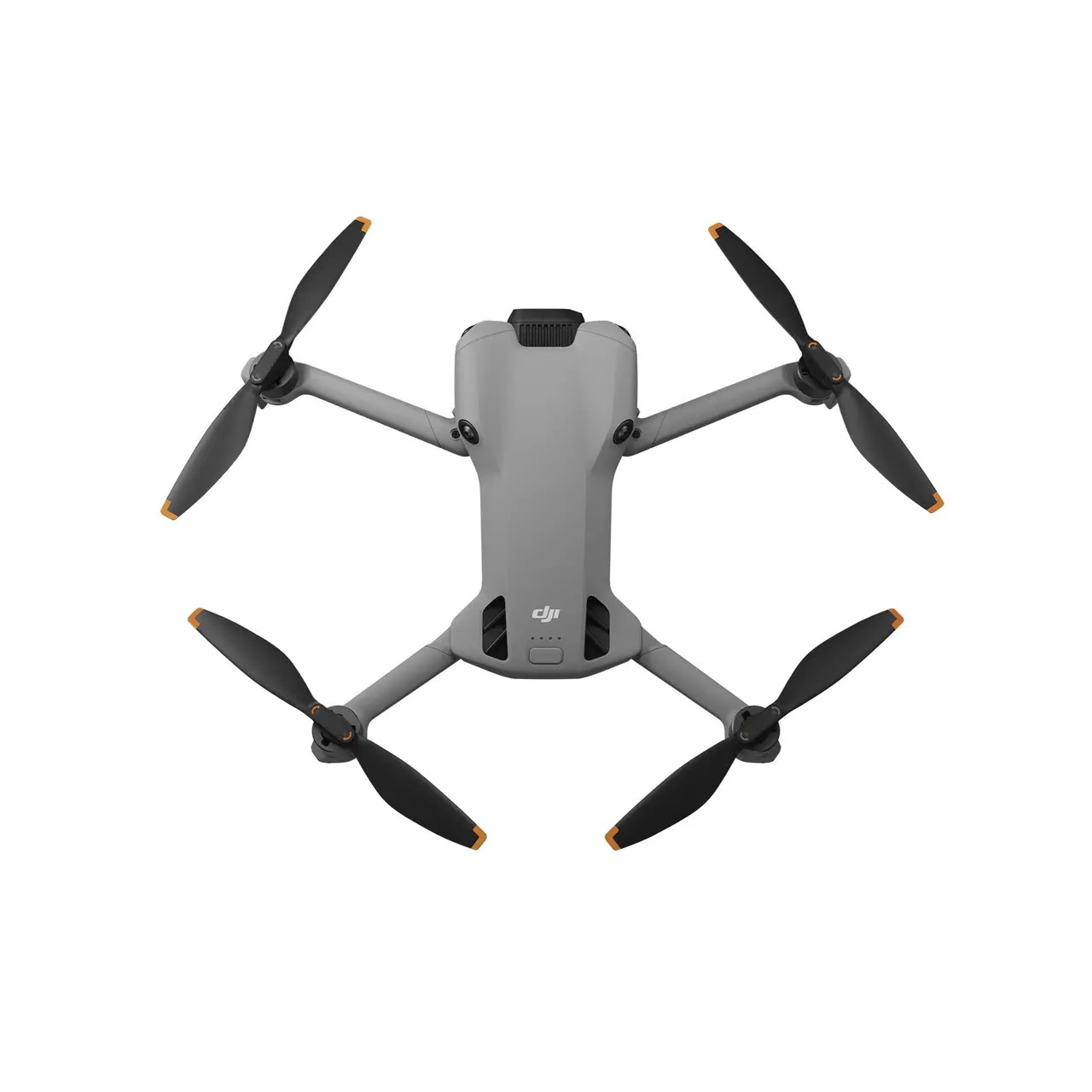
Choose the right response to the symptom
| Observed symptom | What it may indicate | Safe first check |
|---|---|---|
| Windows are clipped and interior is too dark | Scene exceeds one exposure’s tonal range | Try DNG and supported AEB modes |
| Bracketed leaves or cars show ghosts | Motion between different exposure frames | Stabilize framing and inspect the individual images |
| Client needs photographs immediately | RAW editing workflow might delay delivery | Plan JPEG output and source-file delivery |
1. Start by evaluating the scene’s dynamic range
A shaded room or courtyard beneath a bright sky can exceed the range of a single finished JPEG. Look at the histogram and highlight warning if available. If the brightest windows clip before the walls are lifted, exposure bracketing may be more useful than a different sharpening setting. Make the call before the sun moves behind the building.
2. Understand what RAW changes
RAW generally preserves more sensor data for adjustment, but it does not make an underexposed subject magically noise-free or recover saturated highlights that were never captured. Camera models differ in bit depth, noise and available DNG features. JPEG is processed and usually faster for urgent delivery; a thoughtful RAW workflow takes longer but provides editing headroom.
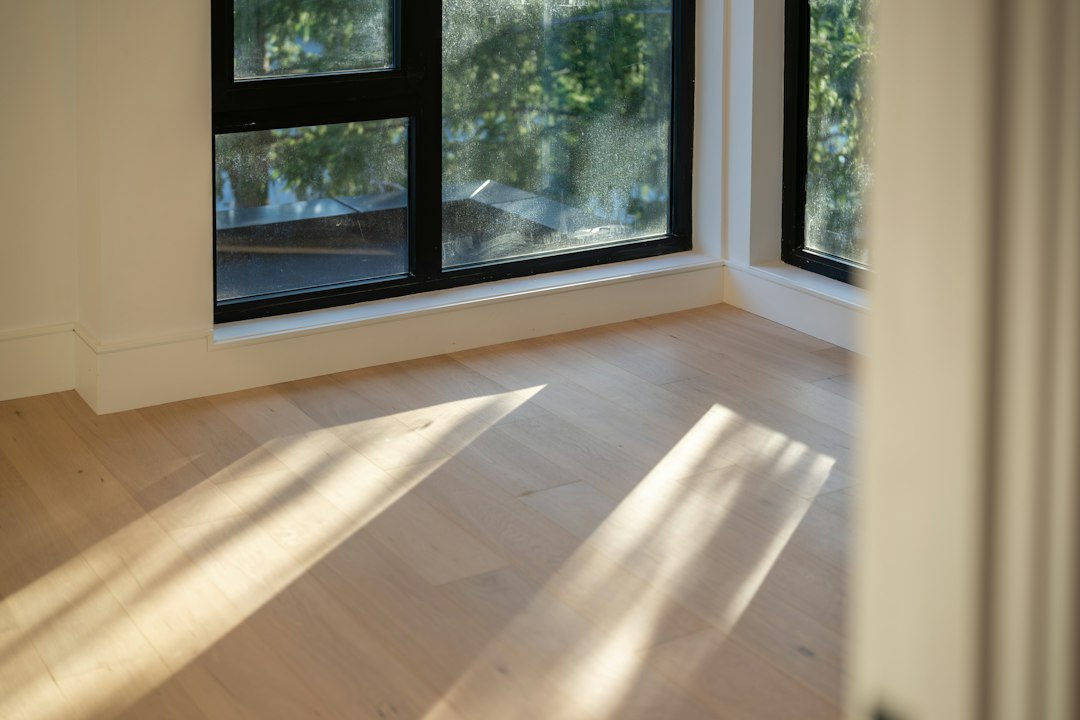
3. Know what AEB actually captures
Auto Exposure Bracketing takes multiple exposures at different exposure settings; some systems record three frames, others more, depending on model and selected mode. The frames can later be merged to handle wider brightness ranges. It is not the same as simply activating an HDR-looking color profile or taking three identical JPEG images.
4. Reduce motion between frames
Keep the drone as stable as practical and watch tree branches, moving cars and flags. Movement can create ghosting in a bracket merge. When shooting architecture, avoid rapid sideways flight during brackets and verify all frames were saved before moving to the next composition.
5. Deliver the right files to the right client
For quick social media publishing, an accurately exposed JPEG may be adequate. For high-end real-estate edits or sunset exteriors, retaining RAW and carefully bracketed exposures can be worth the extra storage and processing time. Tell the client whether you are delivering finished images or edit-ready source files.
Example: photograph a room with bright windows
Take a controlled JPEG or DNG exposure, then review the camera histogram and window highlights. If the brightest areas clip while the interior remains too dark, capture supported AEB exposures from a stationary hover and examine the individual frames for movement before merging. Decide on a delivery format with the client; 50MP, 12MP, RAW and frame-count availability vary by model.
Purchasing and workflow implications
Before spending money on replacement hardware or a more expensive drone, decide whether the limitation is optical, computational, regulatory or simply an editing workflow issue. Check exact model specifications and firmware compatibility, especially where subject tracking, camera profiles or navigation modes are model-specific. Explore DJI and FPV equipment available from FalconFly (related equipment: DJI Mini 5 Pro), but choose parts only when the diagnosis indicates they solve the actual problem.
Related FalconFly articles
- DJI Mini 5 Pro vs Air 3S vs Mavic 4 Pro: A Practical Camera-Drone Buying Guide
- DJI Drone Video Flickers Under LED Lights? Fix 50Hz and 60Hz Banding
When AEB is worth the extra editing time
For a white villa at noon, a properly captured bracket can preserve details in both sunlit windows and a shaded courtyard. The gain is most valuable in static scenes; moving branches and cars may create ghosting in the merged result. Always review the actual exposures before changing camera position. RAW provides editing flexibility, but cannot recover a highlight that was fully clipped in the original sensor data.
A quick estate-agent listing may benefit more from consistently framed JPEGs and timely delivery. A high-end architectural portfolio may justify DNG capture and manually evaluated AEB merges. Agree on finished versus edit-ready deliverables before shooting; file count and megapixels alone are not the definition of quality.
For surveying and architectural photogrammetry that depends on repeatable camera geometry rather than simply choosing JPEG versus RAW, consider a mechanical-shutter mapping aircraft such as the DJI Matrice 4E; validate RTK positioning and the processing workflow separately from the file format.
Frequently asked questions
Does RAW recover any blown highlight?
No. A RAW file offers more editing latitude, but once the sensor signal is saturated, lost highlight detail cannot be recreated by adjusting exposure in software.
Does AEB work on moving subjects?
It can, but subject movement or aircraft motion between bracketed frames creates ghosting and alignment errors. Keep the aircraft stable and review each frame before merging.
How many AEB frames can the DJI Mini 5 Pro capture?
According to DJI’s listed UK specifications, 12MP AEB offers 3, 5 or 7 frames, and 50MP AEB offers 3 or 5 frames at 0.7EV steps. Other models and modes differ.
Manufacturer reference
DJI Mini 5 Pro official imaging specifications provides the official model-specific reference for this guide.

















