


DJI Power Solar Charging Is Slow or Won’t Start? MPPT, XT60 and Panel Matching

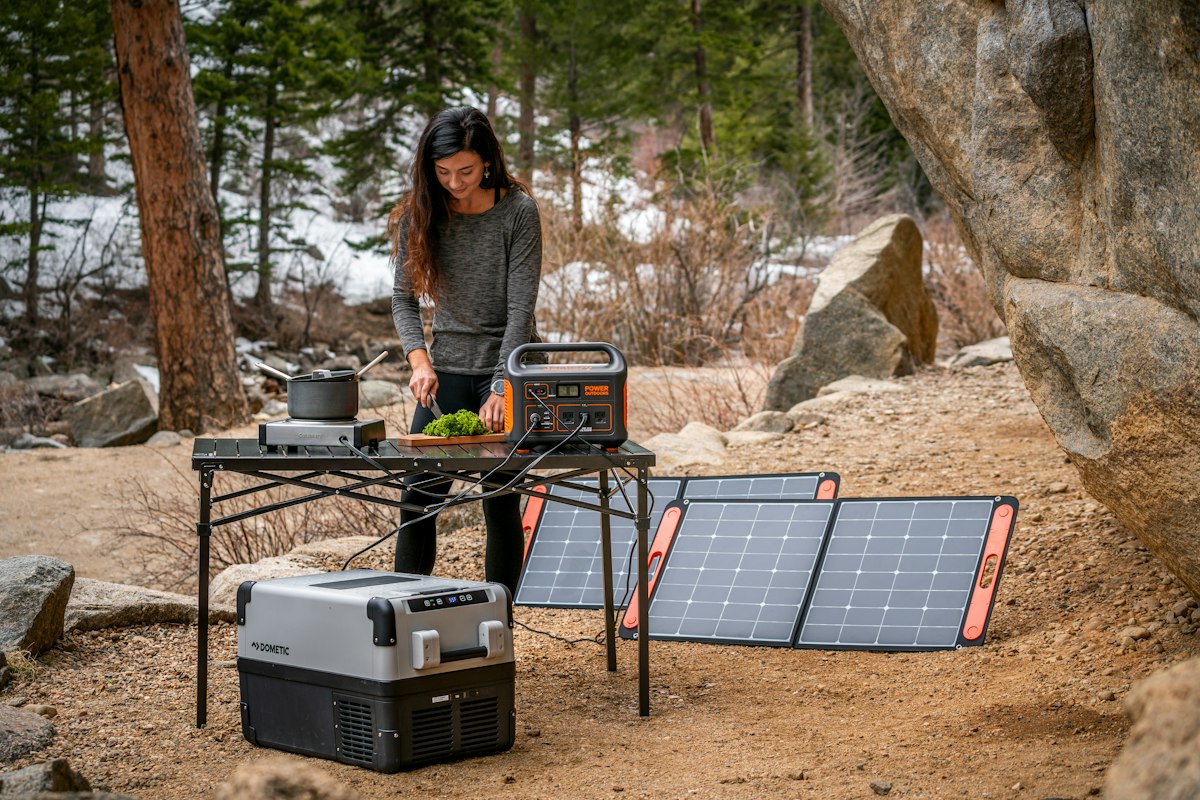
A solar panel says 200 watts, but your DJI Power station displays a fraction of that—or shows no charge at all. The label on the panel is only one part of the system. Module compatibility, DC voltage, connector wiring, panel temperature, partial shade and the station’s charging profile all affect the outcome.
The MPPT module is a required electrical interface
DJI documents solar charging through the DJI Power Solar Panel Adapter Module (MPPT) and compatible panels for Power 1000 and several newer Power models. The XT60 connector on the adapter is part of this regulated solar-input system; it is not an invitation to feed any battery or bench supply into the station. DJI’s store documentation also sets specific voltage and power limits for third-party panels.
At the time of verification, the MPPT module’s official specifications describe a 12–30 V input range, a less-than-30 V open-circuit-voltage requirement for third-party panels, up to 200 W per channel and a total limit that differs with station model. Check the exact current product page and label before assembling a system.
Why a nominal 200 W panel rarely delivers 200 W
Solar panel wattage is rated under standardized conditions: strong irradiance, favorable cell temperature and good alignment. Hot panels lose efficiency; even a thin shadow over a subset of cells can reduce output sharply. Cable voltage drop, dirty surfaces, the station’s state of charge and the MPPT input operating point further reduce the displayed value.
In the UAE, intense sunlight does not guarantee ideal electrical output because panel temperature can be very high. A shaded or ventilated battery station with solar panels positioned for sun and airflow is usually a more sensible setup than leaving the whole station in direct solar radiation.
A voltage-matching example
Suppose a panel has a rated open-circuit voltage above the adapter’s maximum while its nameplate output power appears safe. That panel is still electrically unsuitable: input-voltage limits cannot be negotiated by changing a connector. Conversely, a lower-power panel can fail to charge effectively if its operating voltage falls below the module’s required input range under heat or partial shade.
Use the panel label and data sheet for Voc, Vmp, Imp and temperature coefficient. Determine worst-case cold Voc and the real operating range before connecting; the lower temperature of early mornings can increase Voc. Verify the actual connector polarity with proper tools rather than assuming all XT60 adapters are wired identically.
| Observed issue | Potential cause | Verified response |
|---|---|---|
| 0 W input | Wrong adapter/voltage/polarity | Check exact module and panel specs |
| Much less than panel rating | Heat, shade, angle, cable loss | Reposition and compare real irradiance |
| Stops near full charge | Charging management or taper | Check station state |
| Adapter gets unusually hot | Poor ventilation or fault | Disconnect, inspect and contact support |
A structured check when the station says zero watts
First identify the exact station model, solar module and panel specifications. Confirm both physical connections and that the station accepts solar input in its present state. Test under direct, unobstructed light within the equipment’s temperature range. Compare the adapter’s expected input to the panel’s published operating voltage. If safe and supported, test with a known-compatible panel to isolate the source.
A 0 W reading may indicate insufficient input, a protection condition, loose connector or charge-state management. Do not repeatedly switch the panel between ports or bypass the MPPT device in an attempt to force charging.
Match charging time to the working day
A rough estimate is battery energy still needed divided by real average charging watts, with allowance for conversion losses and the taper near full charge. For example, if a pack needs 800 Wh and the solar system averages 160 W into the battery path, expect more than five hours rather than the ‘200 W’ headline implying four. Real outdoor output fluctuates minute by minute.
Plan charging around the field schedule and carry a second appropriate power source for safety-critical drone missions. If you need high-power continuous input, compare the station’s other official charging accessories instead of exceeding the MPPT module rating.
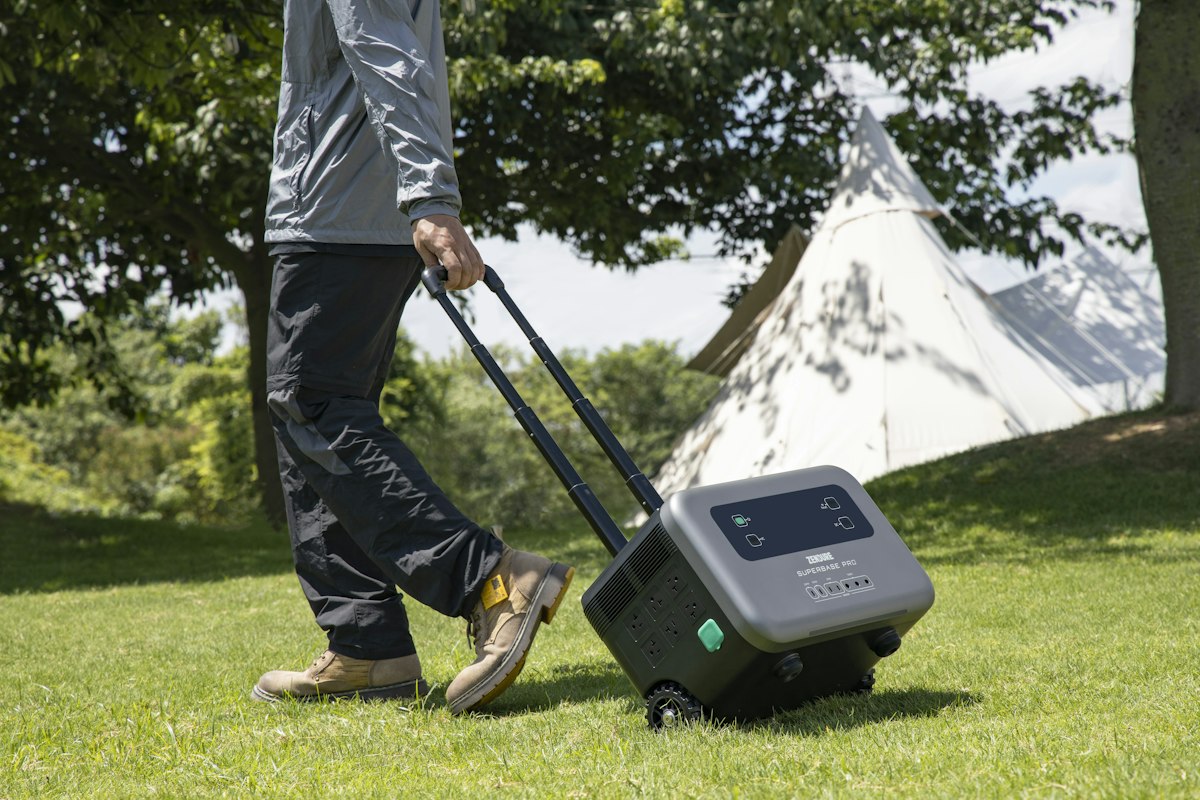
Read the panel specification before connecting an XT60 cable
The wattage printed on a solar panel is not sufficient to establish compatibility with a DJI Power solar input. The critical figures also include open-circuit voltage (Voc), operating voltage at maximum power (Vmp), short-circuit current, operating current and the temperature coefficient. DJI’s MPPT adapter has defined input voltage and current limits. A panel whose output power seems modest can still exceed the allowed voltage when unloaded, especially at low cell temperature. The input connector cannot solve an electrical mismatch.
DJI’s official MPPT module documentation specifies a 12–30 V DC input and advises that third-party panels have an open-circuit voltage below 30 V. It also defines a 200 W per-channel power limit and module total limits that depend on the connected DJI Power model. Those numbers apply to this MPPT accessory, not every possible future DJI solar interface. If the station’s name or generation differs, recheck the current accessory compatibility page before making a purchase.
Check connector polarity with appropriate equipment; XT60 shape alone does not guarantee that a third-party adapter is wired correctly. Route cables away from water, foot traffic and hot sharp edges. Never connect a general-purpose DC battery or an improvised power source to the solar input simply because it has a matching plug.
Why hot sunshine can produce disappointing watts
Solar modules are rated under controlled laboratory conditions, usually including strong irradiance and a specified cell temperature. In a hot outdoor environment, the real panel temperature can greatly exceed the surrounding air temperature, which typically reduces the panel’s available voltage and output. Partial shade is another major factor; one shadow from a tripod, roof edge or cable can reduce the output of part of a panel. Dirt, awkward orientation and poor ventilation further reduce the energy collected over a working day.
Even if the source can produce its full nameplate output, the DJI station may draw less when its battery is near full, too hot, too cold or in a protective state. Check the station’s displayed state of charge, temperature and current mode before declaring the panel defective. Compare the panel’s actual operating range against the MPPT input specifications and test in suitable, unobstructed sunlight rather than an indoor window or low sun angle.
For UAE field use, position the solar module for good sunlight and airflow, while keeping the power station itself ventilated and out of unnecessary direct heat. A shaded station does not require a shaded panel if cable routing is safe and permitted. Manage the two pieces of equipment as separate thermal environments.
Estimate a practical charge schedule
Energy still needed is a more useful planning value than a panel’s headline wattage. Suppose the station needs to recover approximately 800 Wh. If the whole solar charging path averages 160 W into the battery, the ideal energy calculation gives five hours, and real performance may require longer because the sun angle changes, thermal conditions vary and charging tapers. A nominal 200 W panel should not be assumed to deliver 200 W every minute between morning and evening.
Multiple panels need deliberate electrical design. Do not combine panels in series or parallel merely because their nominal wattages add to a convenient number. The combined Voc, operating voltage, current and adapter channel arrangement must stay within the MPPT device’s published limits. A third-party panel may require an approved conversion cable, but the cable is not a voltage regulator. Verify the complete system rather than one component in isolation.
For a drone crew, plan the charge schedule around the number of flight batteries used and the mission’s stop points. A solar arrangement can reduce dependence on mains power but should not be treated as the sole guaranteed source for a safety-critical project. Carry charged reserve packs and an authorized alternative charging method if the day must continue despite changing weather.
Diagnose zero input without bypassing protection
When the display shows no solar watts, first confirm the station recognizes its compatible MPPT accessory. Inspect visible cable seating and connector condition with the system safely disconnected, then verify the panel’s documented voltage range and operating conditions. If a known-compatible panel is available, a controlled substitution can isolate whether the issue follows the panel or the adapter. Avoid cycling unknown panels through every input until one happens to show a number.
A brief 0 W state can also be part of normal charging management when the battery is full or the operating temperature is outside the expected range. Check the product manual and the current charge status. Conversely, an adapter that emits a burnt smell, becomes abnormally hot or shows obvious damage should be disconnected and assessed. Do not try to defeat a temperature or overvoltage warning.
For repeatable support evidence, record the Power station model, MPPT module model, panel Voc/Vmp and nameplate current, state of charge, ambient conditions and exact error display. This is enough to separate a compatibility error, environmental low-output problem and possible accessory fault more reliably than simply reporting “solar charging slow.”
A solar panel with acceptable watts but excessive voltage
A buyer sees a third-party solar panel rated at 150 W and assumes it must be safe for a DJI MPPT channel limited to 200 W. The panel’s open-circuit voltage, however, may exceed the adapter’s published limit. The panel is therefore not compatible simply because its power rating is below the headline wattage. Another panel may meet the voltage specification but produce little power during hot weather, partial shade or poor orientation. In both cases, changing the XT60 connector is not a technical solution. Check Voc, Vmp, current and temperature data together. For field charging, budget energy from expected average power rather than panel-nameplate watts, and keep the station appropriately ventilated. Never bypass the MPPT accessory or overload a channel to obtain a faster charge.
Frequently asked questions
Can any XT60 solar panel connect directly to DJI Power?
No. DJI defines an MPPT accessory path and electrical limits for compatible solar panels.
Does a 400 W module deliver 400 W all day?
No. It is a ceiling under appropriate conditions, not a guaranteed real-world average.
Is it safe to add more panels to exceed the module’s limit?
No. Follow the module’s per-channel and total power and input-voltage specifications.
Related FalconFly reading
Official and technical references
Use the exact hardware manual and installed firmware version alongside these resources. Community accounts are useful clues, not proof that a workaround is suitable for every aircraft.

















