


DJI Power 140W GaN Charger: Why Two USB-C Devices Charge Slower

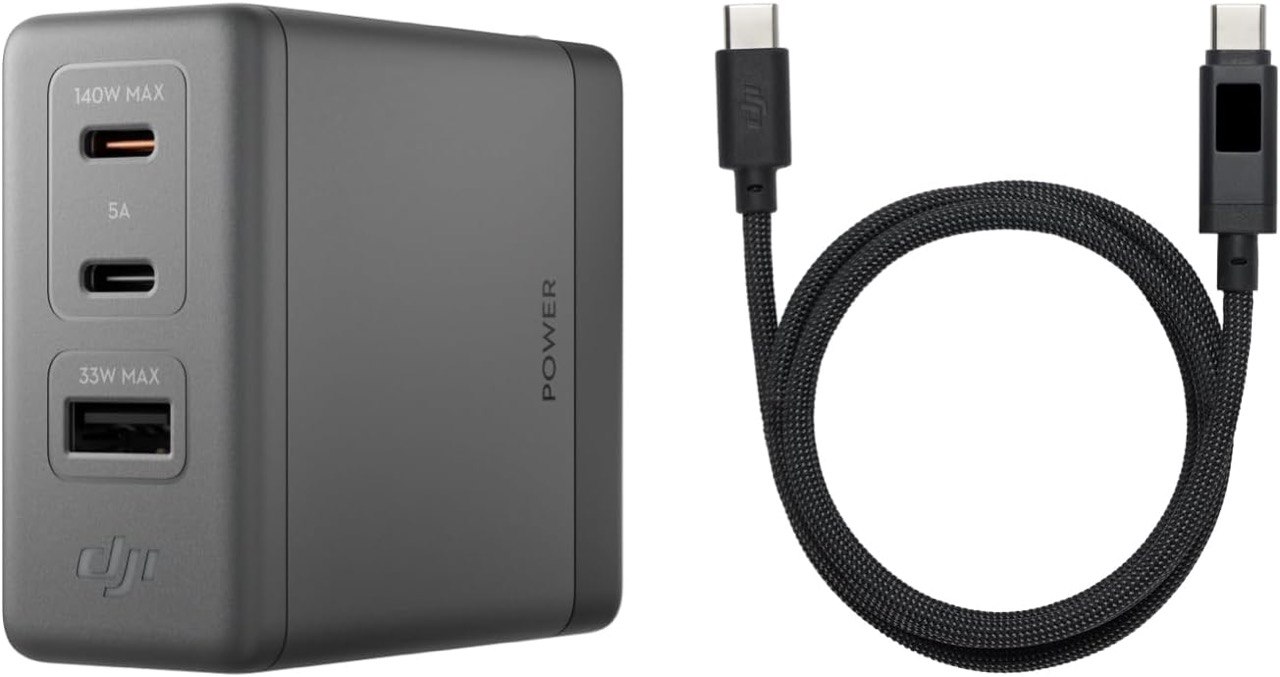
The box says 140W. You connect a laptop and the drone battery hub, then both seem to charge more slowly than expected. That is usually not a defect. The wattage is the charger’s total output budget, and the available power is redistributed when multiple USB ports are in use. The DJI Power 140W GaN model has specific allocation rules that explain a lot of ‘charger not reaching 140W’ complaints.
140W belongs to a supported single-port configuration
DJI specifies two USB-C ports and one USB-A port. Either USB-C port can supply up to 140W when used alone with a compatible device and correct EPR-rated cable. But the connected device determines how much power it will accept. A DJI battery hub designed to draw at most 100W in the supported mode will not suddenly charge at 140W because the adapter can provide it. Likewise, phones with proprietary charging protocols may negotiate much less.
The power allocation table worth saving
| Connected ports | DJI-rated allocation examples |
|---|---|
| One USB-C | Up to 140W |
| USB-C + USB-C | 100+35W or 65+65W, depending on devices |
| USB-C + USB-A | Up to 100+33W |
| Both USB-C + USB-A | Dynamic modes such as 80+35+22W |
The figures describe supported maximum allocation patterns, not a guaranteed constant reading throughout the charge cycle. Battery level, cable, temperature and protocol negotiation all matter.
Why the USB-C cable can be the bottleneck
USB-C cables do not all advertise the same current or Extended Power Range support. For 140W operation, DJI recommends a compatible EPR cable such as its 7A USB-C digital-display cable. A basic cable can cause the system to fall back to a lower supported profile. The LED or power display should be treated as diagnostic evidence rather than proof that the device is faulty when it requests less.
What happens in a hot environment
The charger’s published operating range is 0–25°C, with thermal protection capable of reducing power when it becomes too warm. This is relevant in Dubai: a 140W-rated adapter inside a zipped camera bag or on a hot car seat is not in its intended cooling environment. Keep it uncovered, ventilated and within manufacturer environmental limits. Do not attempt to prevent thermal throttling by wrapping or modifying the device.
Build a more predictable charge routine
For a priority drone battery hub, use one suitable USB-C port and disconnect unnecessary idle cables. Charge the laptop separately when it is practical, or accept that two devices will share the adapter’s budget. Verify that the hub’s input protocol and the specific drone battery support the desired charging power. A single well-matched EPR cable may solve an apparent performance problem without buying another charger.
One charger, three devices: a realistic travel desk
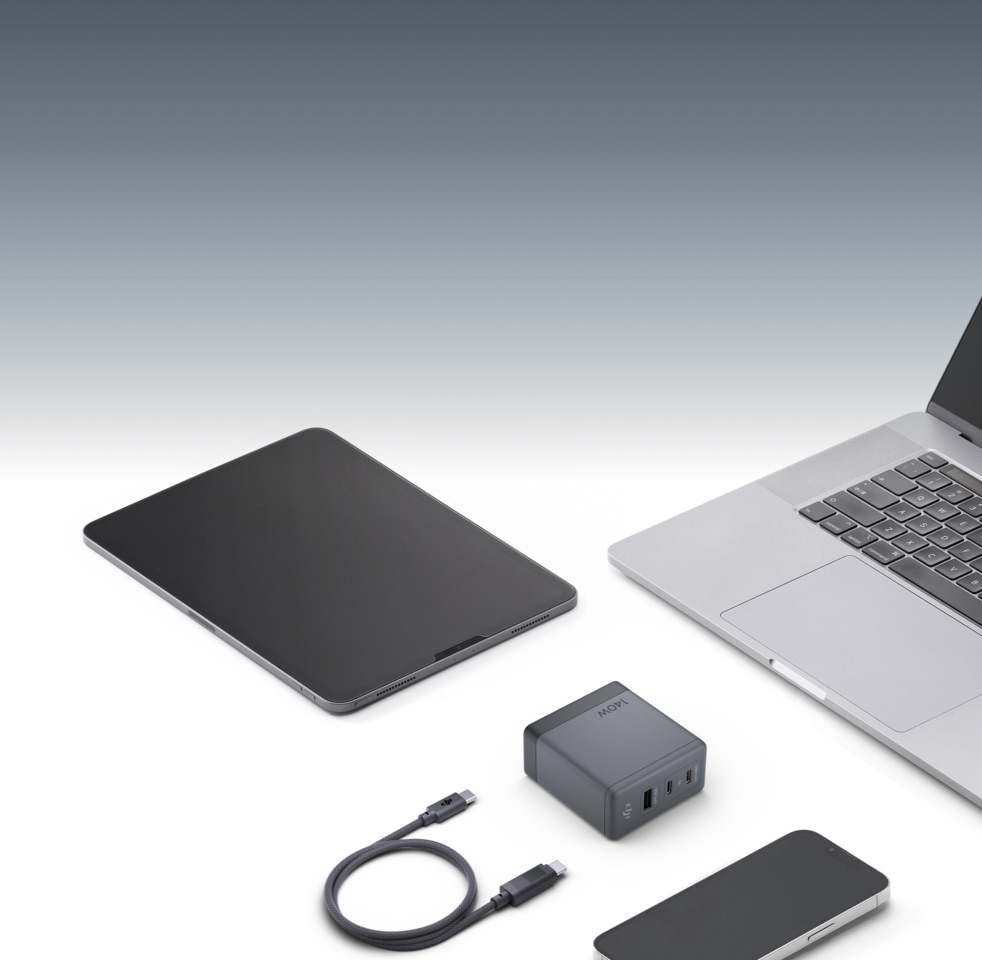
Imagine arriving after a filming day with a laptop, a phone and a drone hub to recharge. Plugging in all three may be convenient but it means shared output. If the battery hub is the priority, charge it first using an approved USB-C port and cable, then move to the laptop. If time is flexible, accept the charger’s negotiated multi-port allocation. If the hub stops and restarts when another device is attached, check whether the devices are renegotiating power profiles rather than assuming the adapter has a hardware defect.
The important distinction is between the adapter’s overall maximum and the receiver’s allowed charging rate. A 100W-rated drone hub will not gain a 140W intake merely because the cable displays a larger available number.
Is the 140W version worth replacing your old 100W charger?
Only if your devices can use the additional USB-C profile or you value its multi-port combination. If everything you charge accepts no more than 100W and you usually use one port, a working high-quality 100W supply may already meet the job. Calculate the power needs of actual equipment and consider regional plug type, cable rating, operating temperature and portability. Avoid replacing a perfectly suitable adapter simply because a newer model has a larger headline wattage.
How the charger behaves when devices are connected mid-session
High-power USB-C chargers negotiate voltage and current with the connected device. Attaching a second cable may trigger redistribution or a brief reconnection, depending on the devices and charging protocol. That behavior is different from a failed adapter. If you are charging a laptop, drone hub and phone during a shoot, connect the priority device first and observe the negotiated power before adding the others. Record any persistent error indicator or abnormal heating and follow the official troubleshooting guidance.
Do not rely on the number shown by an OLED cable as a complete battery-health diagnostic. It is a useful view of instantaneous electrical behavior, not a guarantee about the pack’s condition or time remaining. Plan charging turnaround from tested equipment, not one maximum wattage reading.
Frequently asked questions
Can both USB-C ports deliver 140W simultaneously?
No. The charger has one total 140W output budget with defined sharing modes.
Does every DJI hub support 140W?
No. Check the exact hub and compatible charging profile.
Why does charging slow near full battery?
Devices commonly taper input current to protect cells. This is separate from the adapter’s peak rating.

















