


DJI Gimbal Motor Overloaded After an ND Filter? Find the Mechanical Cause First

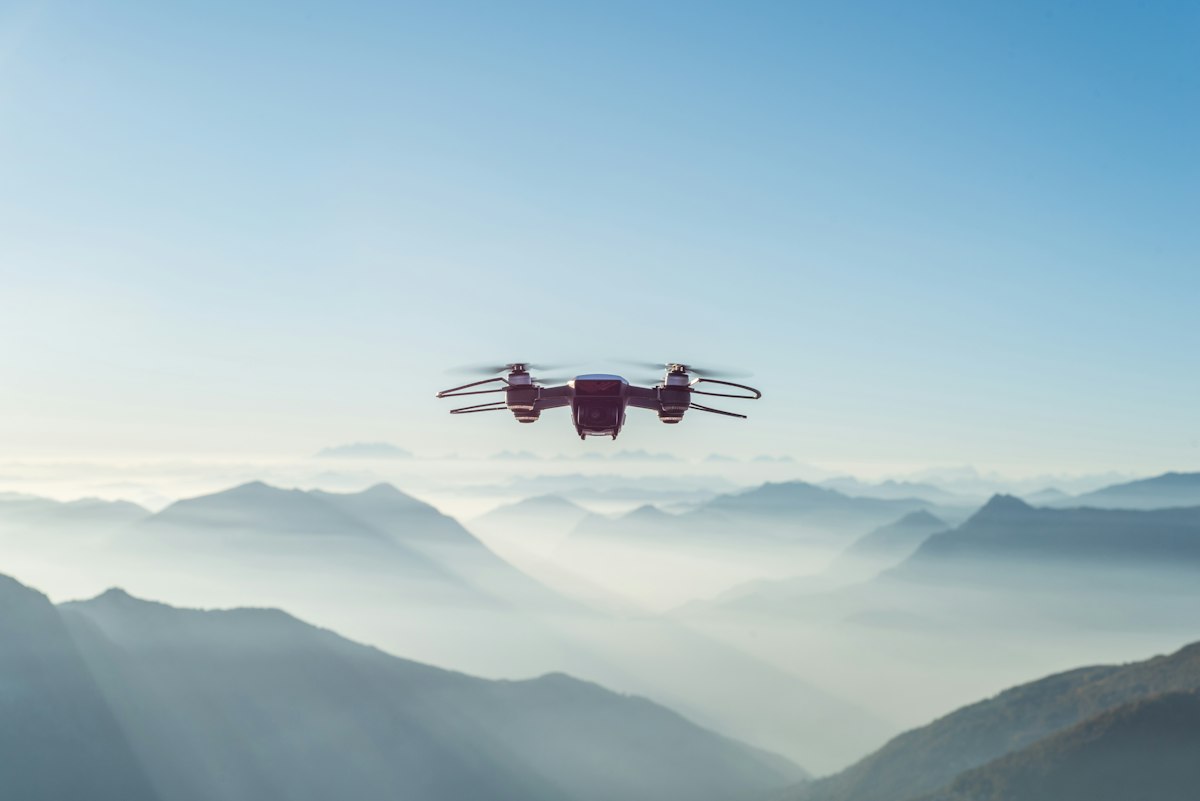
A filter snaps on, the drone boots, and the app suddenly reports ‘Gimbal motor overloaded.’ Users often blame a failed motor immediately. DJI’s own troubleshooting guidance puts transport locks, stuck debris, third-party filters and excessive gimbal load ahead of invasive hardware work.
What an overloaded gimbal really means
A camera gimbal uses motors, encoders and controlled movement to maintain stabilization. If its axes cannot move freely or the required torque exceeds the control system’s working envelope, the aircraft may report an overload. This is not the same as a camera lens focus problem. An oversized filter can increase inertia, change balance or physically contact the frame as the camera tilts.
DJI explicitly identifies third-party filters and wide-angle accessories among possible causes of an overload warning. It also lists an installed gimbal protector, protective stickers, stuck foreign objects and, in Sport mode, sudden control inputs that exceed the gimbal adjustment range.
Start with a no-accessory baseline
Turn the aircraft off, remove the ND filter and any wide-angle attachment, and check that transport locks, stickers and covers are fully removed. Inspect the camera’s intended movement envelope for sand, packing material or bent brackets. Then place the aircraft on a stable flat surface and power it up normally to see whether the warning disappears.
If the bare gimbal completes its startup sequence without warning, the added accessory or its mounting is a strong suspect. Compare the filter’s actual mass, thickness and attachment method with the exact manufacturer-approved accessory for the aircraft. ‘Fits the lens’ alone is not sufficient.
Perform a controlled A/B test
With the drone safely stationary and props not running, observe startup without the filter and then with it, following the model’s instructions. Record when the warning appears: immediately at initialization, only at extreme tilt, or only after abrupt flight maneuvers. That timeline distinguishes mechanical interference from dynamic overload. Do not keep testing a binding motor until it becomes hot.
If a compatible DJI-approved filter produces no warning but a third-party accessory does, review accessory dimensions and installation. If both produce the issue, the gimbal might have debris, a previous collision or a hardware fault. Contact DJI when the official checklist does not resolve it.
| Symptom | First check | Do not assume |
|---|---|---|
| Warning after installing ND | Remove accessory and reboot | Motor is permanently defective |
| Warning from startup | Transport lock, debris, axis movement | Firmware is the only cause |
| Warning only in aggressive moves | Gimbal limits and flight mode | Filter alone is to blame |
| Warning with no accessory | Mechanical or internal hardware | Any filter replacement fixes it |
Why recalibration is not the first answer
Gimbal calibration is designed to establish certain control references; it does not remove a jam or make a motor stronger. Repeated calibration with an accessory physically striking the housing can prolong the fault rather than fix it. First restore a clean mechanical baseline. Only use the supported calibration routine if DJI instructs it for the symptoms after obstruction checks.
Related warnings such as ‘gimbal stuck’ or persistent horizon drift need their own diagnosis; they should not be grouped under a generic reset procedure.
Buying filters without buying a new problem
Choose ND and wide-angle accessories listed as compatible with the exact drone and camera generation. Check corner clearance and gimbal movement rather than buying from a photo. Different lenses or larger integrated cameras require different filter designs. For field work in Dubai, avoid attaching filters with sand on the mating surfaces and store unused filters in a clean protective case.
A filter should solve an exposure problem, not create a mechanical one. If your work does not require slower shutter speed or reflection control in the current light, flying without extra glass may be the more reliable choice.
Understand why extra glass can change the balance
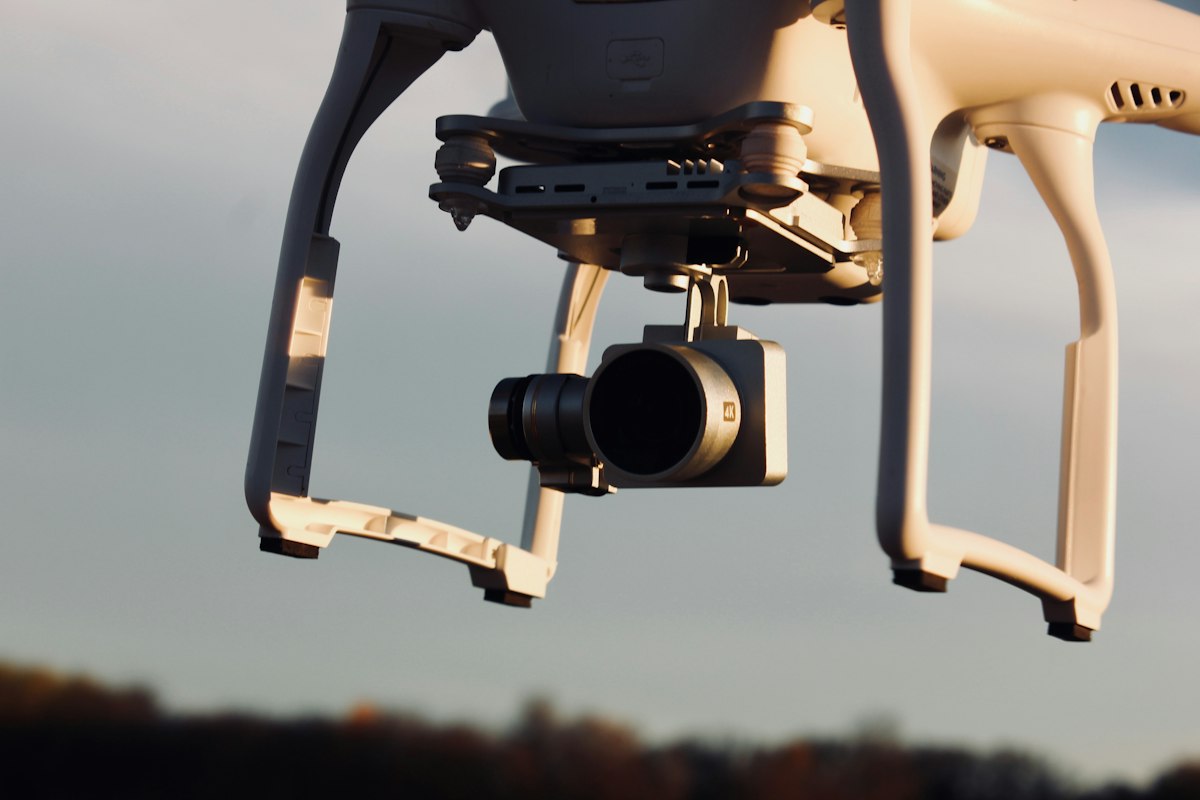
A three-axis gimbal relies on precisely controlled torque and mechanical movement. An ND filter or wide-angle converter adds mass, changes the centre of gravity and can increase inertia around the camera’s axes. Even a lightweight accessory can cause a problem if its frame contacts part of the gimbal housing during startup or at the edge of the allowed tilt range. When a “Gimbal motor overloaded” message appears immediately after fitting an accessory, the most informative test is to remove that accessory and restore the manufacturer’s intended mechanical configuration.
DJI’s official troubleshooting article explicitly lists a forgotten gimbal protector, protective stickers, debris and third-party filters among the potential causes of this warning. This is important because the camera may appear normal while the gimbal is unable to complete its full travel. A filter that locks securely onto the lens is not necessarily compatible with the gimbal mechanism. The exact drone and camera generation must be checked rather than relying on a filter box labelled only “Mavic” or “Mini.”
Power the drone off before removing any attachment. Inspect the lens edge, clips, arms and surrounding cover for rub marks, bent plastic and sand. Do not rotate the gimbal aggressively by hand or try to force it past a resistant point. If normal movement returns after the accessory is removed, investigate weight, dimensions and installation before blaming a damaged motor.
A controlled comparison without unnecessary risk
Document the original warning, including whether it occurs at power-on, during camera tilt or only during aggressive manoeuvres. With the aircraft stationary in an appropriate safe environment, restart it without the filter or lens. Observe whether the normal startup sequence completes and whether the camera responds smoothly to permitted tilt commands. If the warning disappears, the attachment is an important variable. Do not immediately reattach and repeatedly provoke a fault that may heat the motor.
If you have a manufacturer-approved accessory for the exact camera, compare its physical clearance and mounting method. It can be useful to inspect whether a third-party frame is thicker at one corner or interferes with a camera-arm cover. The answer is not necessarily that all filters are unsafe; it is that the accessory must be designed for that gimbal. A correctly fitted ND filter serves exposure control, while an incorrectly fitted one becomes a moving mechanical load.
Some warnings appear during rapid acceleration or a flight mode where the commanded camera position exceeds what the gimbal can maintain. That is distinct from the assembly being physically jammed at startup. Still, do not continue a shoot with repeated overload errors merely because the camera image looks stable. Land safely, remove extra accessories and follow the documented checks before resuming operation.
When calibration helps, and when it will not
Calibration can help the supported gimbal determine certain reference positions or correct an appropriate sensor offset. It cannot remove a stuck cover, reshape a bent arm or make a motor safely carry excessive mass. Before any calibration, resolve obvious obstructions and return the camera to its normal mechanical configuration. Follow the exact aircraft’s software routine on a stable, level surface rather than applying steps for a different DJI generation.
If the gimbal still produces unusual grinding noise, repeated overload warnings or visibly asymmetric motion with all accessories removed, hardware assessment becomes more relevant. A recent impact may have damaged a motor bearing, flex cable or mounting bracket. A persistent horizon tilt with free movement is a different symptom from a hard mechanical stop, so note the differences in a service request. Avoid applying oil to a precision gimbal or opening a flex-cable assembly without proper repair training.
When speaking to support, provide the drone model, firmware, exact message and whether the error occurs without accessories. A short video showing normal startup versus the warning may be useful, provided it is recorded safely. If the aircraft was recently repaired, include the service report. Good evidence saves more time than repeated generic resets.
How to choose a filter for professional work
Start with the exposure requirement. In bright UAE daylight, an ND filter may help produce a desired shutter speed for motion, while a polarizing filter changes reflections but has different operating considerations. Neither filter should be attached unless it is compatible with the gimbal’s mechanical limits. Use exact model compatibility information from the manufacturer and check that the attachment does not shift or clip the frame during normal movement.
Keep filters in a case free from sand and oils, clean contact surfaces gently, and fit them with the aircraft powered off. Avoid strong finger pressure on the gimbal arms. Once installed, confirm that the camera starts normally before arriving at the client location, and remove the filter when lighting no longer requires it. The simplest reliable camera setup is often the one with the fewest unnecessary attachments.
A technically correct filter buying decision balances optical performance, mass, fit, mounting security and the risk of interruption during a paid shoot. It should solve an image-exposure challenge without creating a flight-system fault.
A filter fits the lens but not the moving gimbal
A third-party ND filter may clip securely over the camera yet extend a fraction too far into the path of a gimbal arm. Startup with the bare camera succeeds, while startup with the filter produces an overload message. The difference suggests a mechanical interference or load issue; it does not necessarily prove a burnt motor. Stop repeating the test if the assembly binds or heats. Compare the attachment with a verified model-compatible accessory, inspect the full clearance and check for a forgotten protector. Do not try to ‘calibrate through’ the interference. Conversely, if the warning remains with the bare camera and no protection fitted, a fault from a previous impact or a persistent internal problem becomes more plausible. Keep the diagnosis grounded in controlled before-and-after observations, not in the filter’s packaging claim.
Frequently asked questions
Can a lightweight ND filter trigger overload?
Yes, if it alters balance, makes contact during travel or does not match the camera’s gimbal design.
Should I recalibrate first?
No. Remove protection, debris and third-party accessories before calibration.
What if the warning remains with a bare camera?
Follow DJI’s official checks and request service when the problem persists.
Related FalconFly reading
Official and technical references
Use the exact hardware manual and installed firmware version alongside these resources. Community accounts are useful clues, not proof that a workaround is suitable for every aircraft.

















