


Osmo Pocket 3 Creator Combo or Camera Only? What You Actually Use

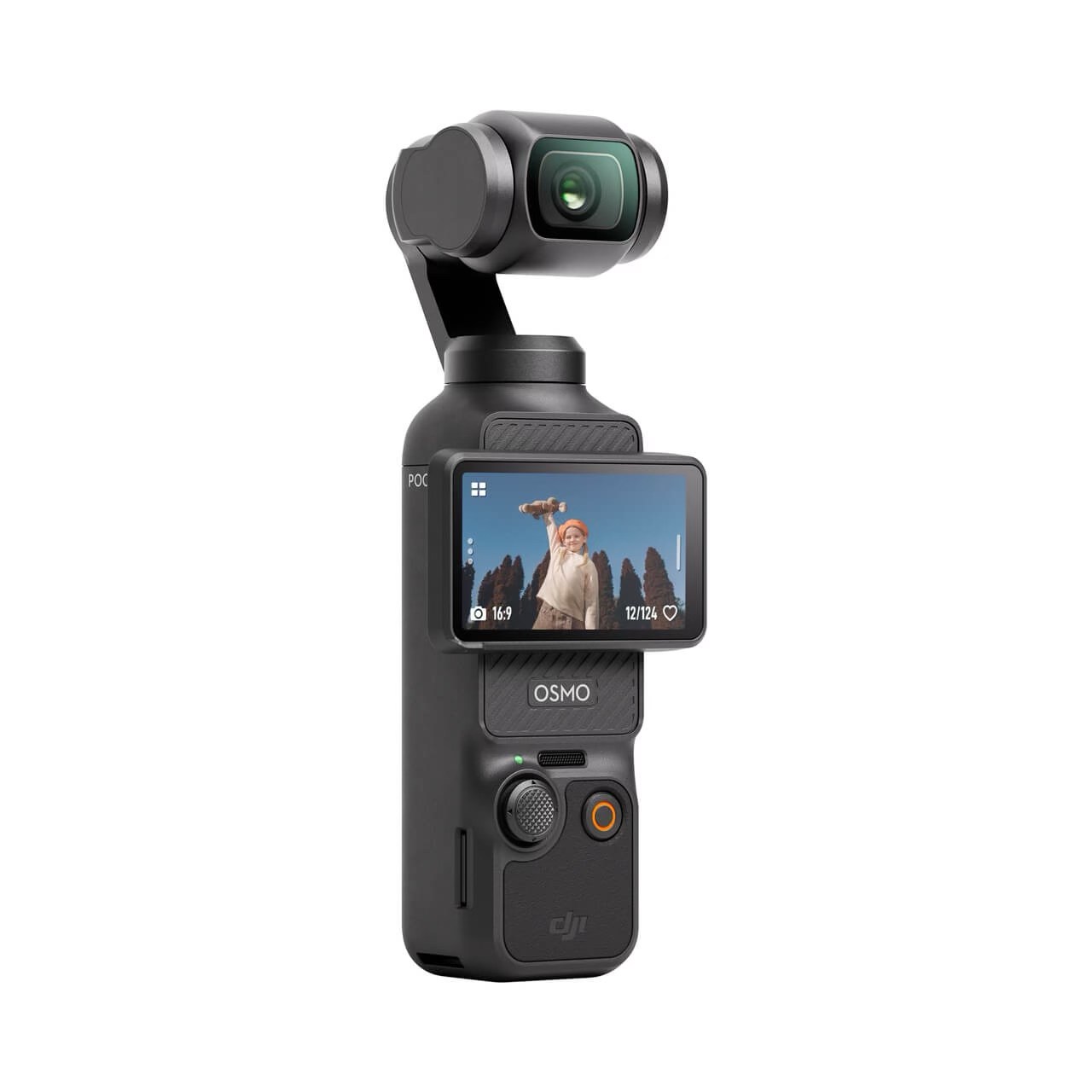
The Pocket 3 is small enough that many buyers assume the camera body is the entire purchase decision. In practice, people who film interviews, product demonstrations or travel vlogs often discover they need a microphone, a handle and a stable support on day two. The Creator Combo may be good value—but only if you will actually use its accessories. Paying for equipment that stays in the box is not a professional workflow.
Write down the three shots you create most often
If most of your videos are walking shots with ambient sound, the standalone camera may cover much of your work. If you routinely interview someone, record speech in noisy locations or leave the camera running on a tripod for product demos, the accessory bundle becomes more meaningful. Start with the scenario, not the advertised number of items. Make sure you know exactly what your regional SKU includes; bundle contents can vary over time or by version.
Audio is often the reason to choose the Combo
A wireless microphone can dramatically improve intelligibility when a presenter turns away from the camera or works in a noisy shop. But the microphone system still requires thoughtful placement, battery management and a proper recording workflow. A bundled mic is not a substitute for listening to the actual audio before recording a long interview. Check the included transmitter model, connection options and whether you need more than one speaker recorded at once.
Battery handle, mini tripod and carrying case
| Accessory | Useful when | Less important when |
|---|---|---|
| Battery handle | Longer sessions or extra comfortable grip | Short occasional clips |
| Mini tripod | Hands-free product shots and talking-head setup | Continuous handheld filming |
| Wireless mic | Spoken tutorials and interviews | Silent B-roll or ambient-only scenes |
| Carrying case | Frequent field use and organized gear | Controlled studio storage |
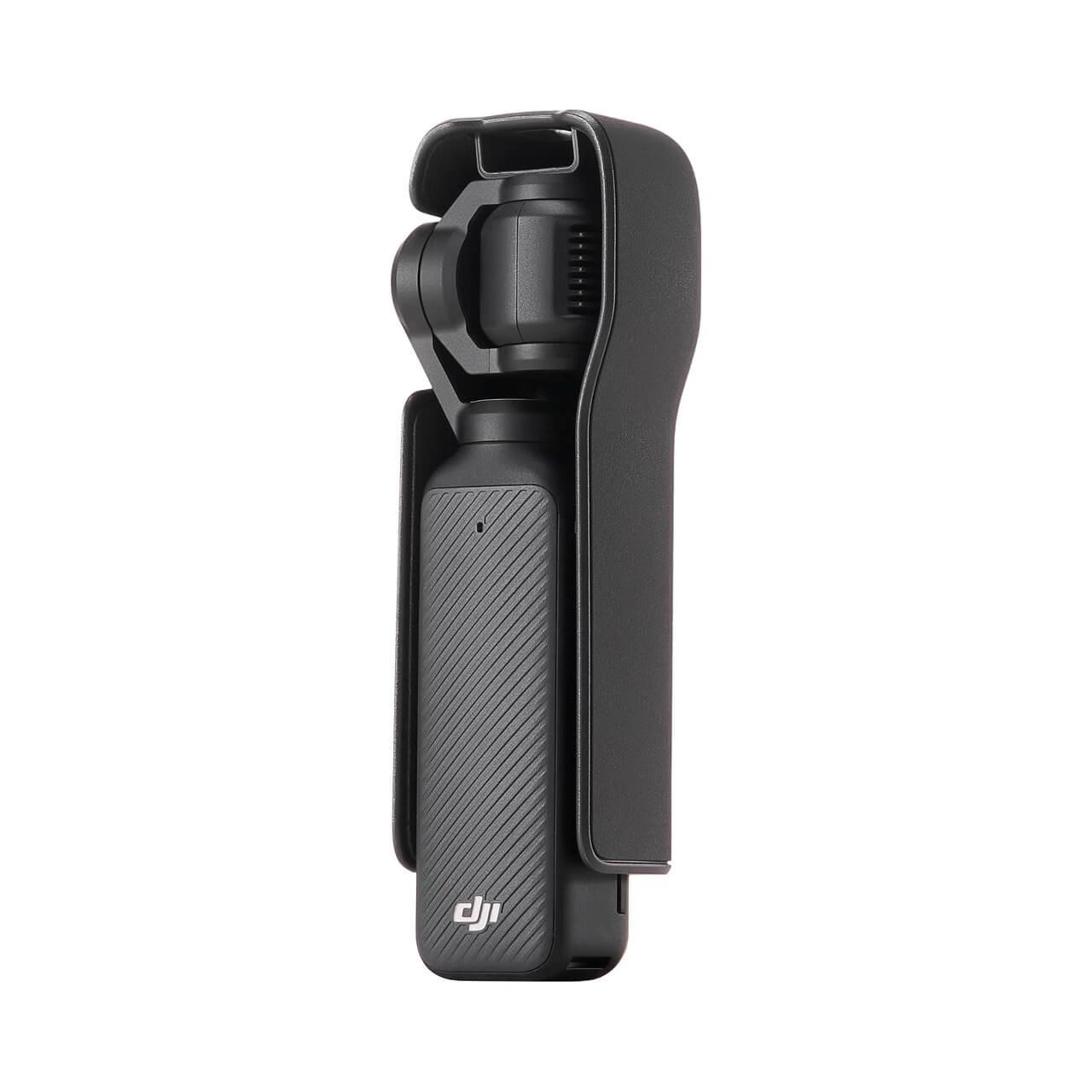
The total-cost trap in the basic kit
A basic camera purchase might look cheaper until you add a compatible microphone, mounting adapter, tripod and spare power. On the other hand, a creator who already owns suitable audio equipment may spend less by buying only the camera and one needed accessory. Price the actual cart that meets your workflow rather than comparing only bundle stickers. Confirm compatibility of third-party accessories before assuming the savings are real.
Try a realistic 30-minute shoot
Record a product walkaround, a short spoken explanation and a stationary detail shot. Check whether you were reaching for a tripod, struggling with holding comfort or dissatisfied with audio. That experience is more informative than an accessory comparison chart. For professional projects, also consider media-card reliability, file transfer and backup—the best microphone cannot recover missing files after a shoot. An effective kit is one that makes the job easier to complete, not one with the longest contents list.
When the Creator Combo is the more economical purchase
A one-person production team making store walkthroughs, unboxings and interviews may routinely need hands-free placement, stable audio and longer sessions. The cost of buying a microphone, support handle and small tripod separately can exceed the price difference between the basic camera and a compatible bundle. The value comes from reliably using the accessories on nearly every shoot. The microphone also makes it easier to move the camera while keeping the speaker’s voice consistent—provided the recording setup is correct.
Conversely, a photographer who already owns a wireless microphone system and only needs pocket-sized video B-roll may have little use for duplicated audio equipment.
Check compatibility and contents against the actual box
Some listings use older accessory photos or bundle names that resemble newer packages. Verify the exact included microphone transmitter, handle, cover, lens accessory, tripod and cable, and whether any storage card is included. Product images may show optional accessories for illustration. Before traveling, test wireless connection, audio capture, charging and file transfer together. A bundle is not complete in practical terms until all the pieces work in the actual shooting workflow.
How to decide between immediate needs and future accessories
Make two lists: equipment your next confirmed project needs, and equipment you might use someday. If the next job requires a presenter talking on camera, wireless audio and a stable support can be immediately valuable. If you only plan short street B-roll without narration, the extra microphone may sit unused. Look at the specific Creator Combo contents and total price of buying the needed pieces separately. Accessories are worth paying for when they reduce real work, not when they merely increase the box count.
Keep a compact travel checklist for the actual kit: charged camera, mic transmitter, media card, USB-C cable, safe carrying case and any required mounting adapter. A small accessory left at home can undermine a project more than the difference between bundle prices.
Frequently asked questions
Does Creator Combo give the Pocket 3 a better image sensor?
No. It changes the included accessory workflow, not the base camera’s imaging hardware.
Is the Combo useful for silent product videos?
Possibly, but audio accessories may go unused. Evaluate the tripod and power accessories separately.
Can I buy accessories later?
Often yes, but verify availability and compatibility; separate purchases can change the overall price.

















