


Gyroflow Makes FPV Footage Worse? Fix Lens Profile and Gyro Synchronization

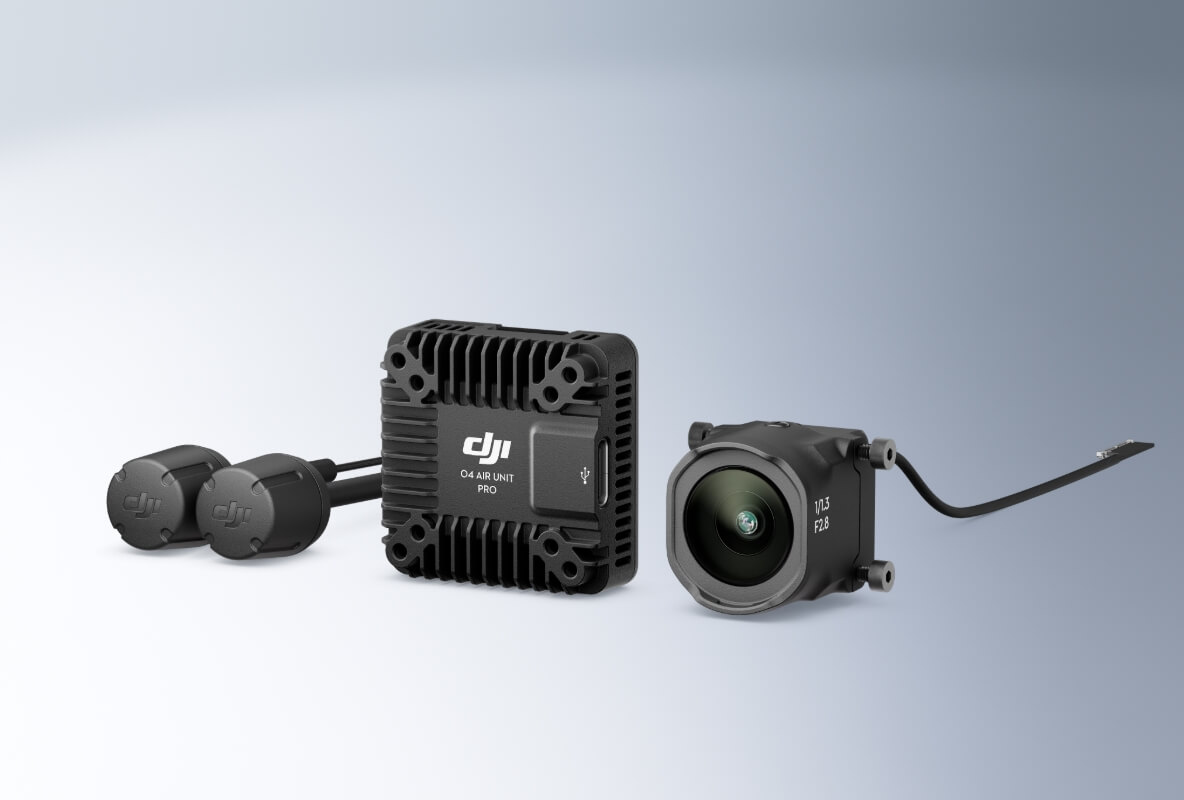
A good flight clip can acquire a wobbling horizon or rubbery corners after stabilization. The problem may be the lens model, incorrect gyro timeline, rolling shutter, or the absence of compatible motion data—not insufficient smoothing.
Wrong lens profile, gyro sync error, or missing metadata?
Gyroflow cannot stabilize accurately until the video frames, lens model and motion-data timeline agree. Start with the shape of the artifact—warped edges, mistimed correction or missing gyro trace—because each points to a distinct part of the workflow.
| What you notice | What to investigate |
|---|---|
| Corners bend or warp under smoothing | Lens profile or rolling-shutter correction suspect |
| Image lags or oscillates against turns | Gyro-video synchronization may be wrong |
| No useful gyro trace | Input file or export may not include the required motion data |
Diagnosis map
1. Confirm supported source footage
Identify camera model, firmware, recording settings and whether Gyroflow can read synchronized gyro metadata. Not every MP4 from a drone or goggles contains appropriate metadata.
2. Start with the matching lens profile
Use an accurate Gyroflow lens profile for the precise sensor area and crop. A profile from a different aspect ratio or in-camera stabilization mode can bend the image.
3. Check sync points
Inspect gyro and video correspondence on clear turns and horizon changes. If automatic synchronization fails, use repeatable visual movement and adjust alignment deliberately rather than randomly increasing smoothness.
4. Reduce processing variables
Turn off conflicting software or in-camera stabilization when the supported workflow requires it. Compare a short clip with minimal smoothing and a known-good lens profile.
5. Evaluate crop and rolling shutter
Large stabilization demands may require substantial crop and expose rolling-shutter wobble. Correct the underlying sync before judging the crop settings.
Detailed diagnostic and purchasing analysis
Gyroflow depends on synchronized motion information
Gyro-based stabilization works by using recorded angular motion to estimate camera movement and transform individual video frames. If the gyro trace is missing, sampled incorrectly or not aligned with the captured images, software cannot infer the correct compensating motion merely by increasing smoothing. Some camera modes store gyro metadata while others do not, and embedded stabilization or cropping can change how the measured motion relates to the encoded picture. Establish the actual recording device and mode before loading an arbitrary profile. DJI O4 on-board recordings and goggles DVR clips are not automatically interchangeable inputs; inspect what motion data are actually present.
How the wrong lens profile creates rubbery corners
The stabilizer must understand how straight lines project through the actual camera optics onto the recorded sensor area. An incorrect fisheye correction or crop factor can make straight edges bend as the algorithm rotates and warps frames. Aspect-ratio differences matter because a 4:3 readout and a cropped 16:9 readout may use different parts of the sensor. Start with an official or well-validated profile for the exact camera model, firmware and capture mode. Compare grid lines or stable vertical edges before raising stabilization strength. A profile from a similar-looking lens may appear reasonable while still introducing strong local stretching in the corners.
Synchronize video and gyro deliberately
A good synchronization point contains a clear, sharp rotational event visible in the video and represented in gyro data. If timestamps are offset, the software applies corrective movement before or after the actual camera movement, producing wobble that can be worse than the original. Inspect multiple sync points over a long clip rather than fitting a single turn at the start; timing drift can occur with incompatible media processing. If automated synchronization produces large inconsistent offsets, investigate the recording format, dropped frames or mismatched metadata. Re-encoding before stabilization may remove metadata or change frame timing. Preserve the untouched source file until a stable workflow is proven.
Rolling shutter, vibrations and horizon lock
Fast motion can expose rolling-shutter distortion because different sensor rows are captured at slightly different times. Stabilization may straighten one part of a frame while leaving jello-like geometry in another, particularly when high-frequency vibrations are present. Check that the camera mount is mechanically sound and props/motors run smoothly before relying on aggressive correction. Horizon locking also requires correct orientation and reliable motion data; an incorrect mounting rotation can make the horizon flip or slowly wander. Diagnose physical vibrations, gyro metadata and optical profile as distinct causes. One slider cannot compensate for all of them at the same time.
Frame crop and export decisions
Electronic stabilization needs room to shift and rotate the image, so stronger correction usually sacrifices some usable field of view. If the requested crop is excessive, inspect whether the original footage had enough margin and whether the camera’s framing can be improved on the next flight. Choose a sensible aspect ratio for the final delivery, accounting for additional vertical cropping on social platforms. Export a short representative segment first and check for bent edges, excessive sharpening or unintentional resolution reduction. A smooth preview at low resolution does not guarantee the exported master is artifact-free. The best result often comes from moderate stabilization paired with good original flying.
A repeatable workflow for a client shoot
Standardise one camera mode, one verified lens profile and one known-good Gyroflow software release for a production. Document whether in-camera electronic stabilization is enabled, what the shutter speed is and whether gyro metadata is captured. Before a paid job, run a sample flight with deliberate turns and inspect both the original and stabilized output. Keep the settings with the project so later editors do not guess which lens preset was used. If a customer asks why footage is shaky, find out whether the fault occurs in the original, in a third-party stabilizer, or only after export. This order avoids selling replacement hardware to solve a software mismatch.
Repair, upgrade, or keep the existing equipment?
A Gyroflow synchronization fault is normally investigated in the media pipeline before any hardware replacement. A more expensive part is not automatically the correct fix. Explore the related FalconFly UAV product category for equipment that matches the verified requirement.
Four practical cases from the workshop
Case 1: The footage bends at the corners after stabilization
A lens profile that does not match the actual image projection can warp straight lines as Gyroflow compensates for motion. Check the precise camera model, recording aspect ratio, crop mode and whether in-camera stabilization changed the source geometry. Start with a compatible, validated lens profile and a short test clip. If a different profile looks ‘stronger’ but produces moving corners, it is not a better correction. Keep an untouched original so the client can compare real camera movement against artificial geometric distortion. The troubleshooting priority is correct calibration, not maximum smoothing.
Case 2: The picture sways one moment after a sharp turn
Compare the time of the visible rotation with the gyro trace. An offset or timing drift means the software is correcting the wrong part of the clip. Use clear sync points and verify more than one point along a longer recording. If synchronization cannot be made consistent, inspect the actual source metadata and processing history. Some transcodes or recording formats may remove gyro information or alter timing. Do not waste time on random smoothing sliders until the source and motion timeline are genuinely synchronized. A late correction can make previously smooth FPV footage look almost seasick.
Case 3: The goggles DVR stabilizes differently from camera originals
Different recording paths can contain different image processing, resolution, field of view, exposure and metadata. An onboard DJI O4 recording and a goggles DVR should not be assumed to carry identical gyro or lens information. Identify the exact source file and supported Gyroflow workflow before doing client edits. If one file has usable motion metadata and the other does not, choose the appropriate source for stabilization. A clean DVR image may still be less suitable as a high-quality master. The best route usually preserves onboard originals and keeps live-view recordings as operational references unless otherwise supported.
Case 4: The video looks stable but the crop destroys composition
Stabilization must trade some field of view for frame movement and rotation. A rapid FPV roll, strong horizon lock or heavy smoothing can require large crop and discard important edges. Compare output to the delivery aspect ratio, especially if the final piece is vertical. Consider a wider recording mode or a more conservative flight path for future shoots rather than forcing extreme correction in post. Make a short full-resolution export and inspect corner stretch, fine detail and colour. An acceptable smooth thumbnail is not enough to validate an expensive final delivery to a client.
Further checks for a reliable result
The sensor crop problem behind mismatched profiles
A camera can record several aspect ratios from the same sensor, and the chosen mode may crop or rescale the image. Lens-calibration parameters need to correspond to that effective readout. A profile for a 4:3 image can produce wrong corner correction on a differently cropped 16:9 file if the stabilization software does not account for the crop. Check the Gyroflow profile’s stated resolution, frame rate and camera mode, then compare straight edges near the frame boundary. If the lens correction itself visibly bends doors or buildings before any smoothing is applied, do not compensate with more smoothness. Select or construct a validated profile using the officially documented calibration workflow.
When sync looks correct at the start but fails later
A single sync point near the opening of a clip can appear perfect while timing drifts by the end. This can happen if motion data or the video timeline has been altered, or if a file-processing step changes timestamps. Use several distinct turns or angular changes spread through the clip to verify synchronization. If the offsets disagree, preserve the untouched original and inspect whether an editor exported variable frame rate or removed gyro metadata. Do not try to fit large arbitrary offsets to every segment blindly. A stabilization workflow should be reproducible; a profile requiring fresh mysterious tuning on each take is a sign that a metadata or pipeline issue remains.
The difference between vibration and camera motion
Gyroflow can compensate for large camera rotations, but high-frequency airframe vibration and rolling-shutter distortion have their own effects. A poorly mounted camera, damaged propeller or unbalanced motor can inject motion faster or more complex than ordinary stabilization can correct cleanly. If jello is obvious in the original clip, inspect mechanical condition first. A rigid but protected mount and smooth motor/propeller set can improve the source far more than software correction. If the video itself is smooth but turns are shifted after export, focus instead on metadata synchronization and output settings. Separating these faults saves wasted flight testing.
How horizon lock changes the creative result
A full horizon lock can produce a dramatic cinematic look, but it also demands a larger crop during aggressive roll manoeuvres and may conceal intended FPV banking. Choose the final look before selecting smoothness: freestyle footage often benefits from retaining some roll, while slow real-estate fly-throughs may favour a stable horizon. Watch the resulting edges throughout the complete clip rather than only at the centre of the image. If zoom exceeds acceptable limits, reduce smoothing or plan a wider original field of view. A stabilization preset should serve the story and delivery aspect ratio, not simply maximize a numeric slider.
A production handoff that prevents repeat problems
Record the exact camera, firmware, video mode, shutter setting, lens profile version and stabilization release used. Store the original media with gyro metadata intact and save the project preset alongside the edit. Before a paid shoot, capture a sample with a few deliberate turns and test it end-to-end. Confirm that the editor can import gyro data, align it and export the required dimensions without excessive crop or jitter. This process reveals incompatibility before the crew leaves the site. When a customer reports a bad result, ask whether the original, the Gyroflow preview or only the final export contains the defect.
Community example: a missing lens profile
In an FPV discussion, a Gyroflow user saw strange image geometry until another pilot pointed out that the recording had no appropriate lens profile loaded. The follow-up reported that the correction helped. Use this only as a symptom illustration; the definitive procedure should come from Gyroflow’s official calibration and synchronization documentation. FPV community: lens profile diagnosis.
Frequently asked questions
Will more smoothing fix wrong sync?
No; it usually magnifies instability or warping.
Do DJI O4 files always work automatically?
Check the camera, recording mode and exact supported Gyroflow version.
Final quality and safety check
Before delivering stabilized video, inspect both the original and the rendered clip for drifting sync, bent edges and excessive crop. Keep the camera-mode and lens-profile information with the project so another editor can reproduce the result.
Related DJI O4 FPV camera examples
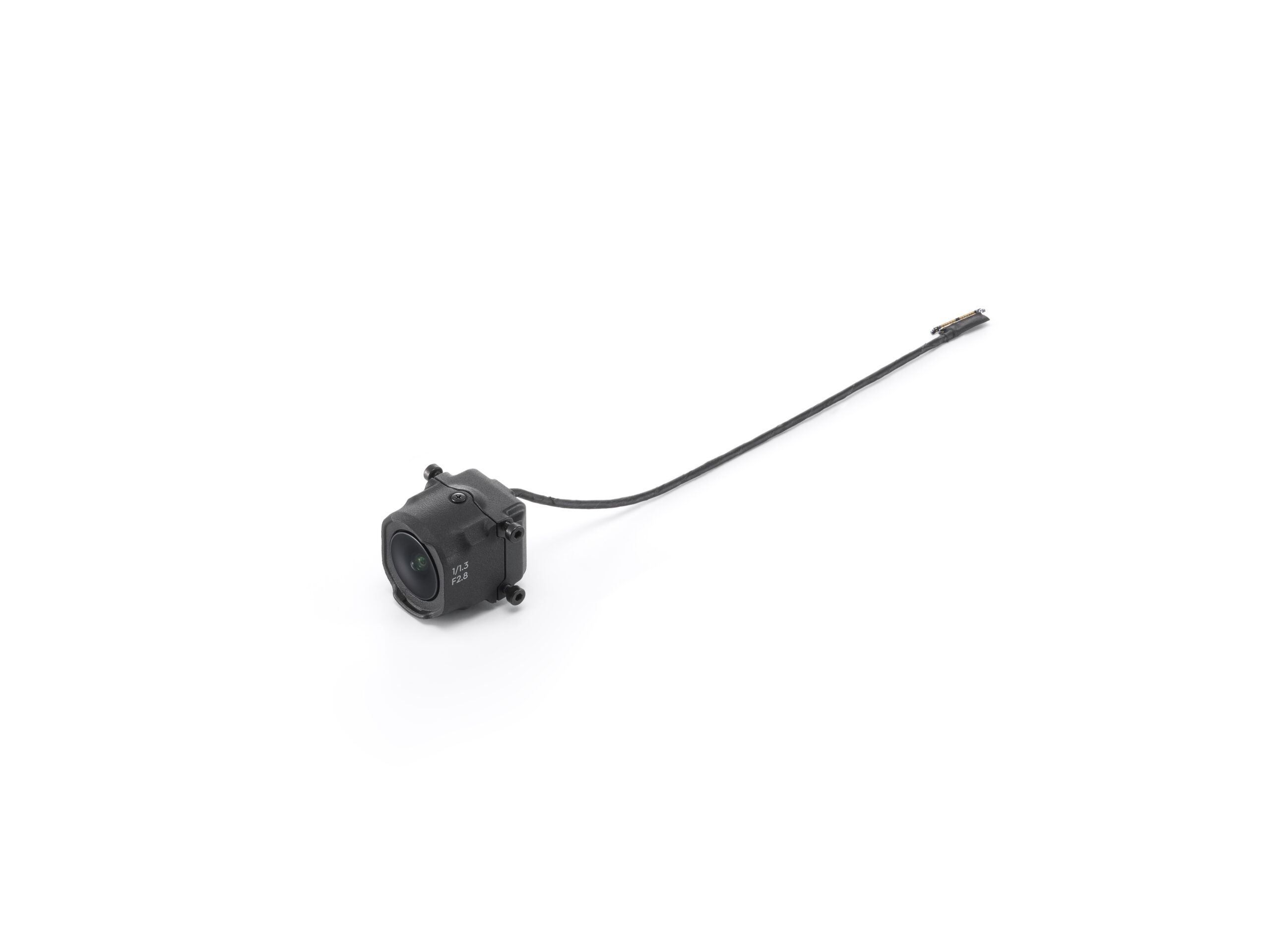
The TITAN X2 with DJI O4 Wide and the TITAN X3, X5 and X7 with DJI O4 Pro use different camera modules and potentially different lens profiles. Match the correct camera and capture mode in Gyroflow instead of assuming one iFlight TITAN preset works across the series.
Primary technical reference
Gyroflow camera and synchronization documentation. A lens profile must match the particular camera readout, crop and gyro metadata format.

















