


DJI O4 Video Freezes Mid-Flight: RF Link, Thermal or Power Fault?

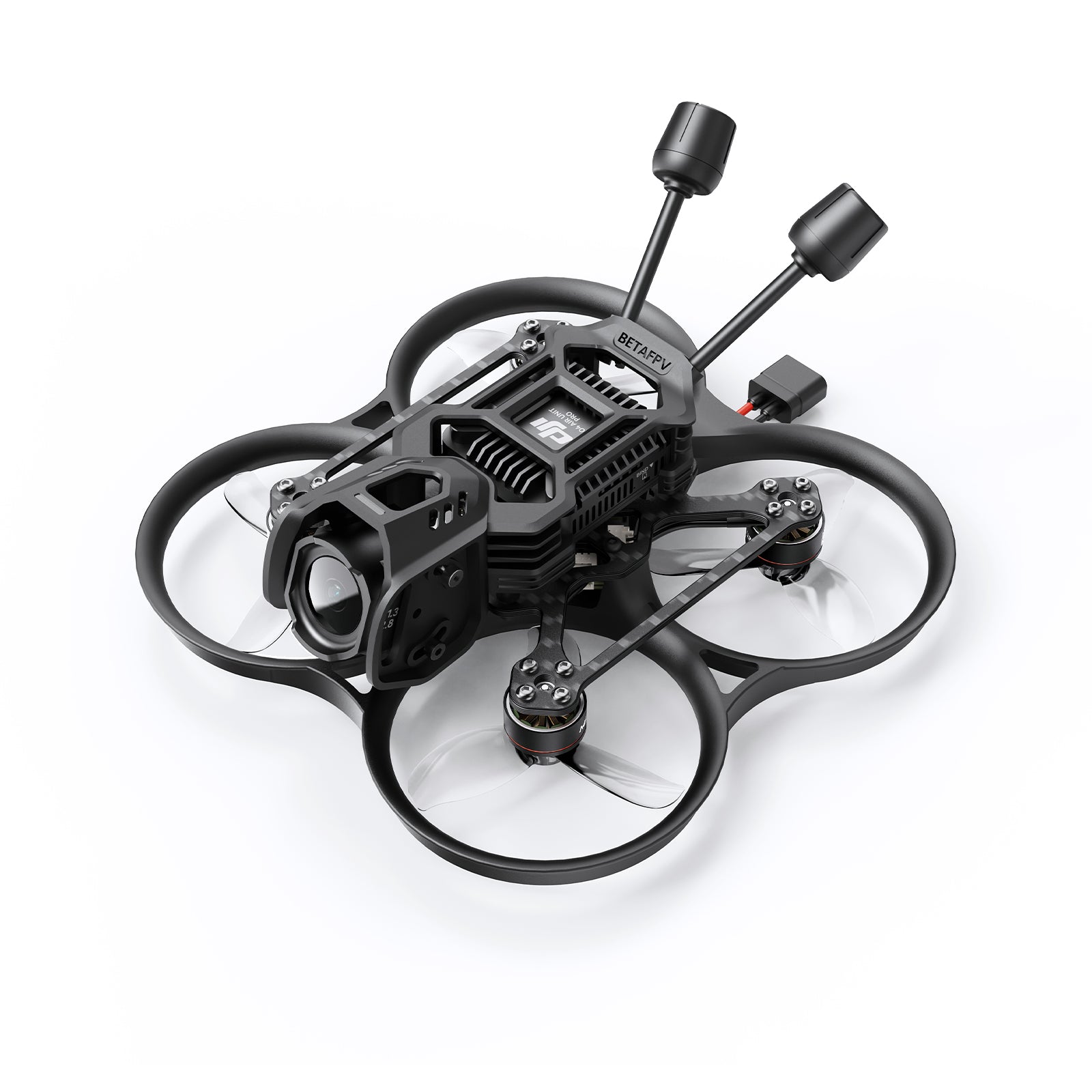
A digital FPV picture that stutters, freezes or drops after takeoff can stem from at least three separate systems: radio-frequency video transmission, air-unit thermal management and electrical power. The failure pattern matters more than guessing a replacement camera. A preflight link can look good while a mounting arrangement restricts airflow or the battery voltage falls under sustained load. This guide helps separate those causes without risky range testing.
Identify exactly what drops out
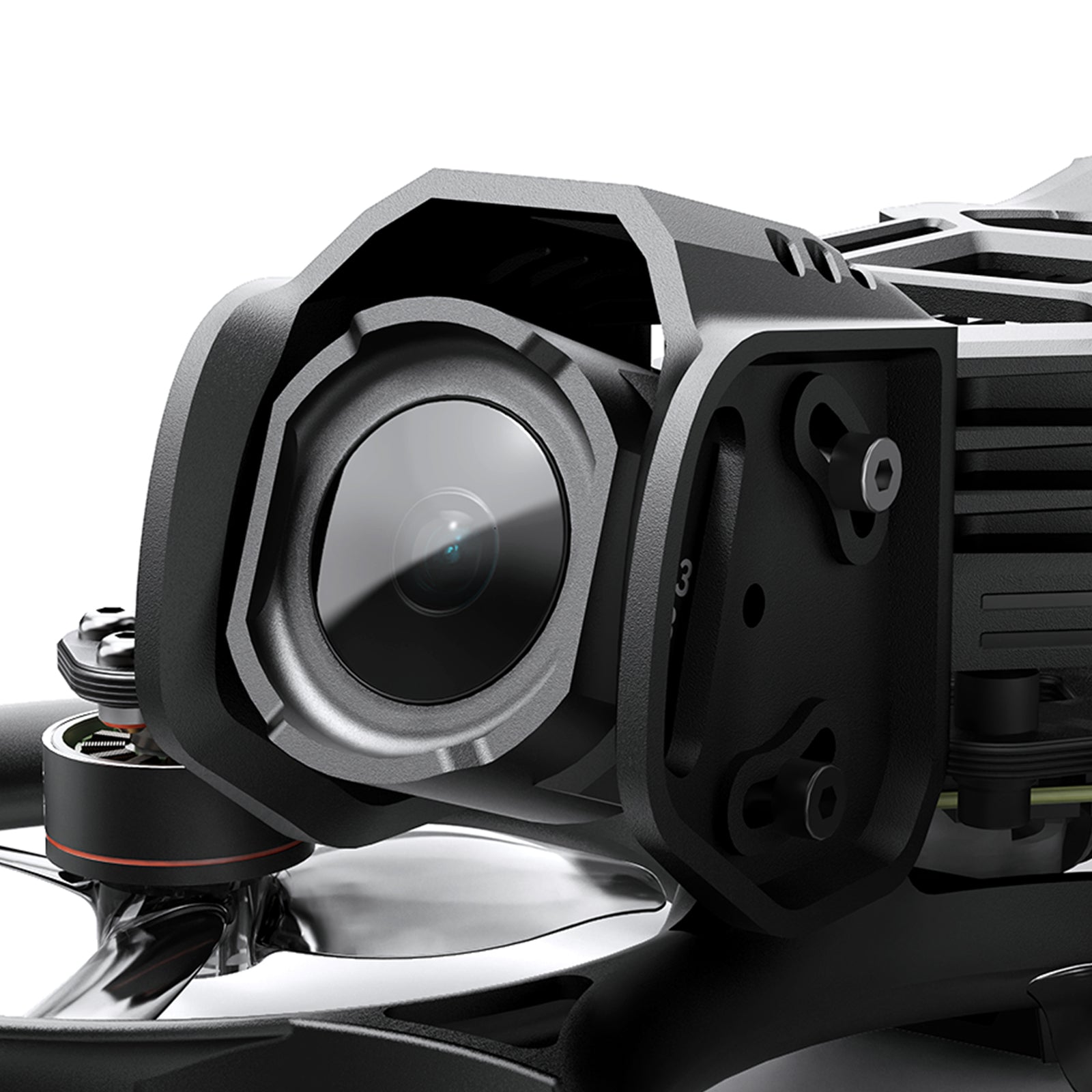
Ask whether only live preview becomes blocky, the feed goes fully black, on-board recording stops, or the air unit reboots. DVR footage from the goggles is not the same diagnostic evidence as footage captured by the aircraft: one records the received picture, the other may record locally. A damaged camera-coax connection can interrupt the image without an RF link failure.
Distinguish RF from thermal clues
| Pattern | Priority |
|---|---|
| Worse behind obstacles or when turning | Antenna placement, polarization, RF line of sight |
| Appears after sitting powered on ground | Cooling and thermal protection |
| Correlates with sudden throttle draw | Battery, regulator, wiring and voltage sag |
| After crash or camera tilt adjustment | Coax and connector inspection |
Check cooling before long bench sessions
Compact digital units rely on adequate thermal design and often airflow during use. Extended powered bench operation without airflow can produce protective throttling or shutdown. Consult the exact manufacturer instructions for temperature guidance. Do not defeat overheating protections or cover heat spreaders with thick mounting foam. In a small ducted frame, cooling conditions vary substantially by camera and air-unit position.
RF and antennas: perform a conservative check
Confirm goggles and air-unit firmware compatibility and antenna attachments. Damaged coax or obstructed antennas can create orientation-specific failures. Use compatible equipment and legally permitted settings. Do not conduct a maximum-distance stress test to determine whether a setup is safe; investigate weak link indicators on the ground and in short controlled flights.
Electrical stability: a separate branch
A regulator that momentarily dips may reset the air unit. Check the approved input-voltage range and quality of the wiring path. A video system that restarts whenever motors draw current can be a power issue, not a goggles issue. Inspect plugs, solder joints, connector heating and whether the installation exceeds the stack’s power budget. Do not connect the air unit directly to a pack unless its specific hardware permits it.
Practical fault-isolation route
Start with documented symptoms and the simplest visual checks. Compare a short cool-state bench test with an appropriate cooled test; avoid prolonged stationary power-on. Check whether recorded video on the aircraft differs from goggles DVR. Verify coax seating without forcing connectors, then address power or RF installation findings. Revisit video-path troubleshooting if OSD persists without camera video.
Safety and ordering checklist
- Verify the exact model, revision and rated installation conditions.
- Document the original setup before making any configuration change.
- Keep propellers off during electronic or motor bench diagnostics.
- Do not ignore unusual heat, smoke, intermittent control or physical damage.
- Fly only when the aircraft is fully checked and local flight authorization permits it.
Interpreting video failures by timing
When freezing appears within seconds of powering on, inspect pairing, firmware, connector and input supply conditions. When it only appears after extended stationary operation, inadequate airflow and thermal protection may be more plausible. A failure that occurs precisely after a high-current acceleration suggests checking voltage regulation and wiring. A failure after the aircraft rotates behind carbon or a physical obstacle may reflect antenna orientation and RF attenuation. Timing does not prove the cause, but it tells you which branch deserves examination first.
Keep a note of air-unit mode, goggles, antennas, battery, approximate ambient temperature, flight duration and whether the aircraft itself rebooted. This is helpful when comparing two builds with otherwise similar components.
On-board video and goggles DVR: use both correctly
Where supported, the aircraft-side recording can remain intact even while the live downlink suffers interference. Conversely, a faulty camera connection can spoil the source itself. Synchronize a short section of both recordings to see whether the artifact appears in one or both. Do not treat a clean on-board file as proof that the control radio link was safe; RC and video links require independent attention.
For a permanent solution, inspect the installation rather than simply increasing output power. Confirm ventilation, connector health, antenna clearance and compatible firmware. If testing produces recurrent video blackouts, suspend flight operations until the cause is fixed. A digital FPV link that recovers after a reset is still an unresolved safety issue.
Frequently asked questions
Does an O4 video freeze mean the radio control link failed?
Not necessarily. Control and video paths may have different hardware and failure modes. Check both independently.
Can overheating happen while the quad is not flying?
Yes. Stationary units may have insufficient airflow; follow the manufacturer’s thermal guidance.
Will changing antennas fix camera-coax damage?
No. Identify which portion of the imaging chain is failing before replacing parts.

















