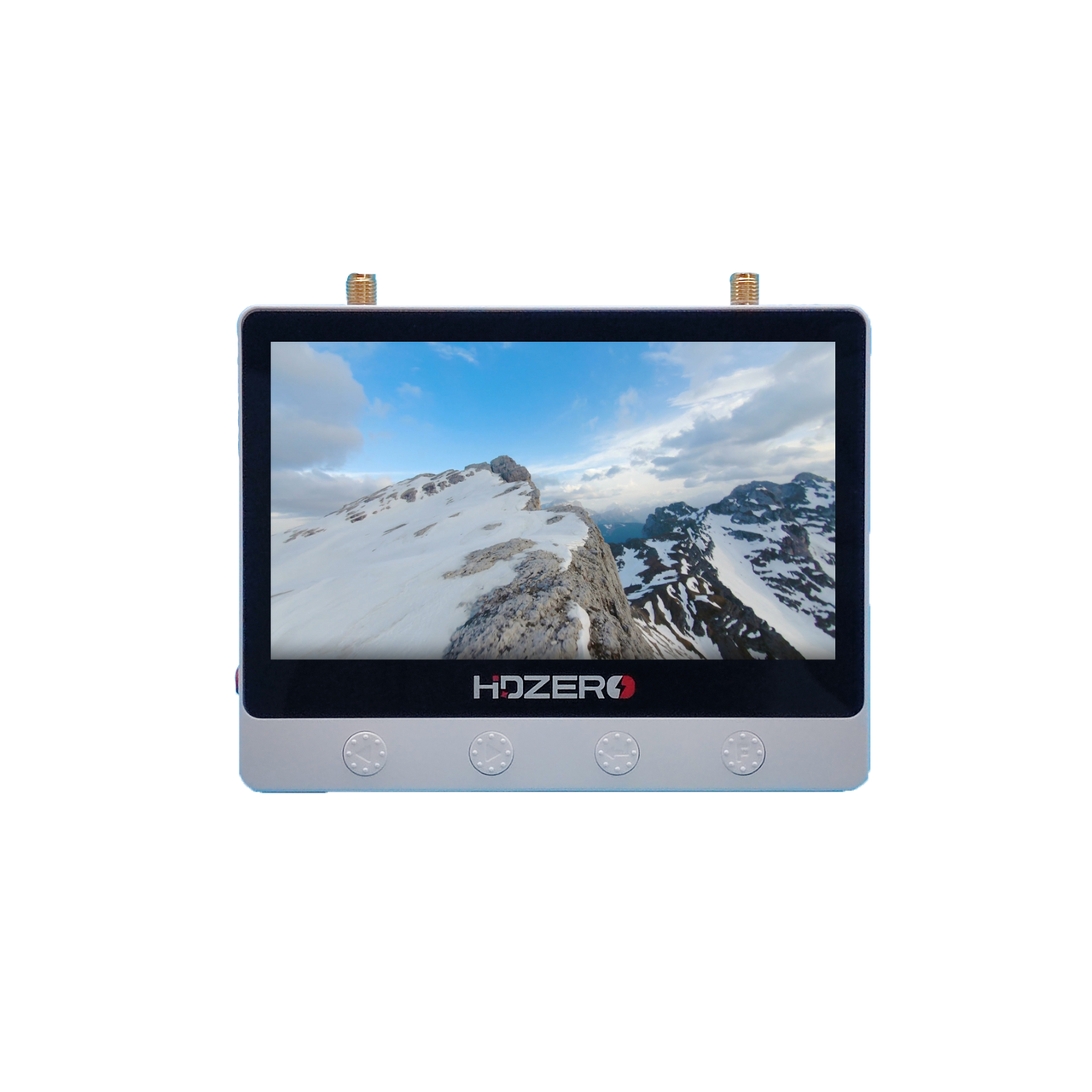
HDZero Goggle 2 Analog Video Looks Worse? Check Source, Channel and Antennas First

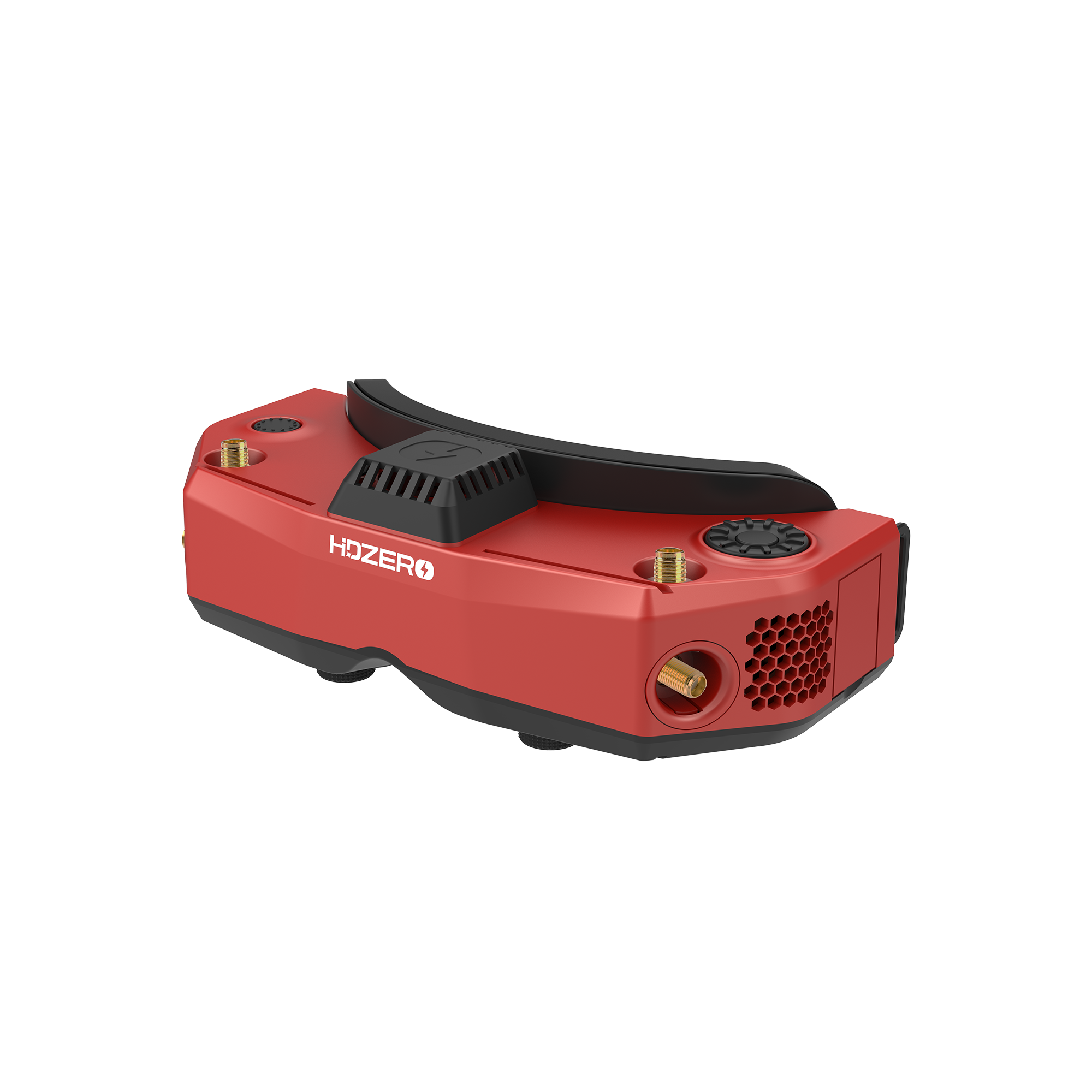
You have upgraded to HDZero Goggle 2, but your analog whoop now appears snowier than it did on older goggles. Community reports show this is a frustrating scenario, yet a weak first impression does not establish a bad receiver. The receiving path, channel and antennas must be checked before changing hardware.
Goggle 2 is different from the first HDZero Goggle
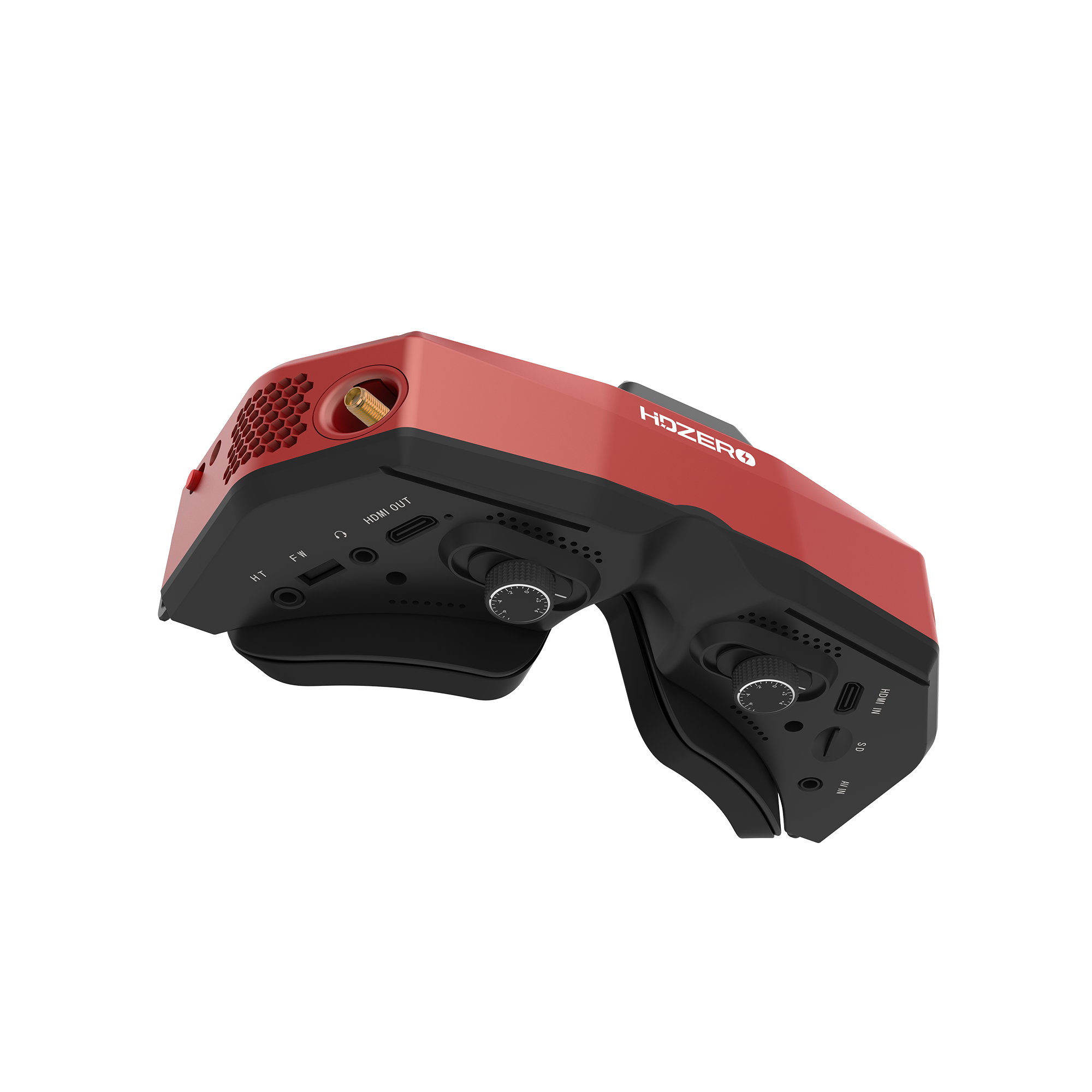
HDZero’s official documentation states that Goggle 2 has a built-in analog receiver, while the earlier Goggle relied on an external analog module or AV input. Goggle 2 also supports HDZero digital input and other video sources. Selecting the wrong source can look like a receiver problem even when the aircraft is transmitting correctly.
A safe bench-to-field checklist
- Remove props for any powered bench test. Keep the analog VTX suitably cooled; do not run a hot transmitter without airflow.
- Select built-in Analog as the source. Do not confuse it with AV In, external Expansion Module or HDMI.
- Match the exact channel. Compare the VTX’s configured band and channel with the goggles. A nearby but incorrect frequency can produce a picture with substantial noise.
- Check the VTX actually left pit/low-power mode. Some FPV builds reduce video output on the bench or until arming; follow the VTX’s own supported settings and legal RF power limits.
- Inspect both antennas. Match RHCP/LHCP circular polarization as specified, fit correct connectors and ensure the antennas are not damaged or shadowed by carbon, battery or the pilot’s body.
- Reduce simultaneous transmitters. Test with one known analog VTX and no adjacent pilot on an overlapping channel.
- Review the current HDZero firmware notes. The manufacturer publishes Goggle 2 updates, including analog-RSSI calibration improvements; update only using the documented method.
Built-in analog vs an external receiver module
An external module bay can be useful in specialized circumstances, but buying one should not be the first fix for an incorrectly tuned built-in receiver. HDZero specifies that the expansion module’s power is off by default and must be enabled in the menus; this setting matters only if your configuration actually uses the external module.
DVR settings: choose a recoverable format
The Goggle 2 DVR supports HDZero and analog inputs. HDZero recommends TS recording when unexpected power loss is a concern, because MP4 may be corrupted if power disappears before the file closes. Check automatic versus manual recording options and make sure the card is properly seated. That does not make the external HDZero Monitor (No DVR) a recorder: the products serve different roles.
When a receiver fault becomes plausible
If correct source, exact channel, known-good antennas and a verified transmitter all fail consistently at a controlled short test distance, document the firmware and test with another known working source. Do not fly a marginal video link to “see if it improves in the air”.
Related FalconFly guide
For broader practical context, read our analog versus DJI O4, Walksnail and HDZero video systems guide. It complements this product-specific troubleshooting workflow.
A practical decision tree for analog static on HDZero Goggle 2
| What you see | Likely layer | Best first experiment |
|---|---|---|
| Menu sharp, analog video snowy | Analog transmitter/receiver RF signal or antenna | Manually set the exact analog VTX band and channel |
| Image works close up but collapses with distance | Antenna polarization/orientation, transmitter output or frame shadowing | Inspect both antennas and VTX operating mode |
| Digital HDZero picture is clean; analog is poor | Analog front-end path rather than OLED display | Compare a known-good analog transmitter and supported receiver source |
| Both input modes look dark | Selected input, display sleep or headset power | Confirm menu, active receiver and supported source |
| Goggles DVR file is poor but live image is good | Recording mode, storage or encoding settings | Review DVR format and SD card rather than RF antenna only |
For each controlled comparison, record the exact analog VTX channel, antenna connector and circular polarization (RHCP or LHCP), available transmitter power, goggles firmware and whether the symptom is present in the live screen or recorded file. Swapping goggles while leaving a defective aircraft antenna in place will not isolate the real problem. Likewise, a strong RSSI-style indicator alone does not prove that two analog antennas have matching polarization or that the receiver is tuned to the right channel.
What not to infer from a newer OLED screen
Display resolution and analog reception quality are separate layers. A clearer OLED can make video noise and interference artifacts more visible than an older, softer panel. It cannot recover information that the analog camera and RF link never delivered. When video quality worsens after a headset upgrade, distinguish more visible noise from actually reduced RF signal quality by comparing a known-good analog source at the same location. Do not immediately install unofficial firmware or increase VTX power beyond local regulations as a first troubleshooting step.
References
Official HDZero Goggle operation manual and HDZero firmware download history. A community report illustrates a real-world troubleshooting scenario; forum reports are individual observations, not manufacturer specifications.