


ELRS Telemetry Lost but Controls Still Work? Diagnose Both Radio Links

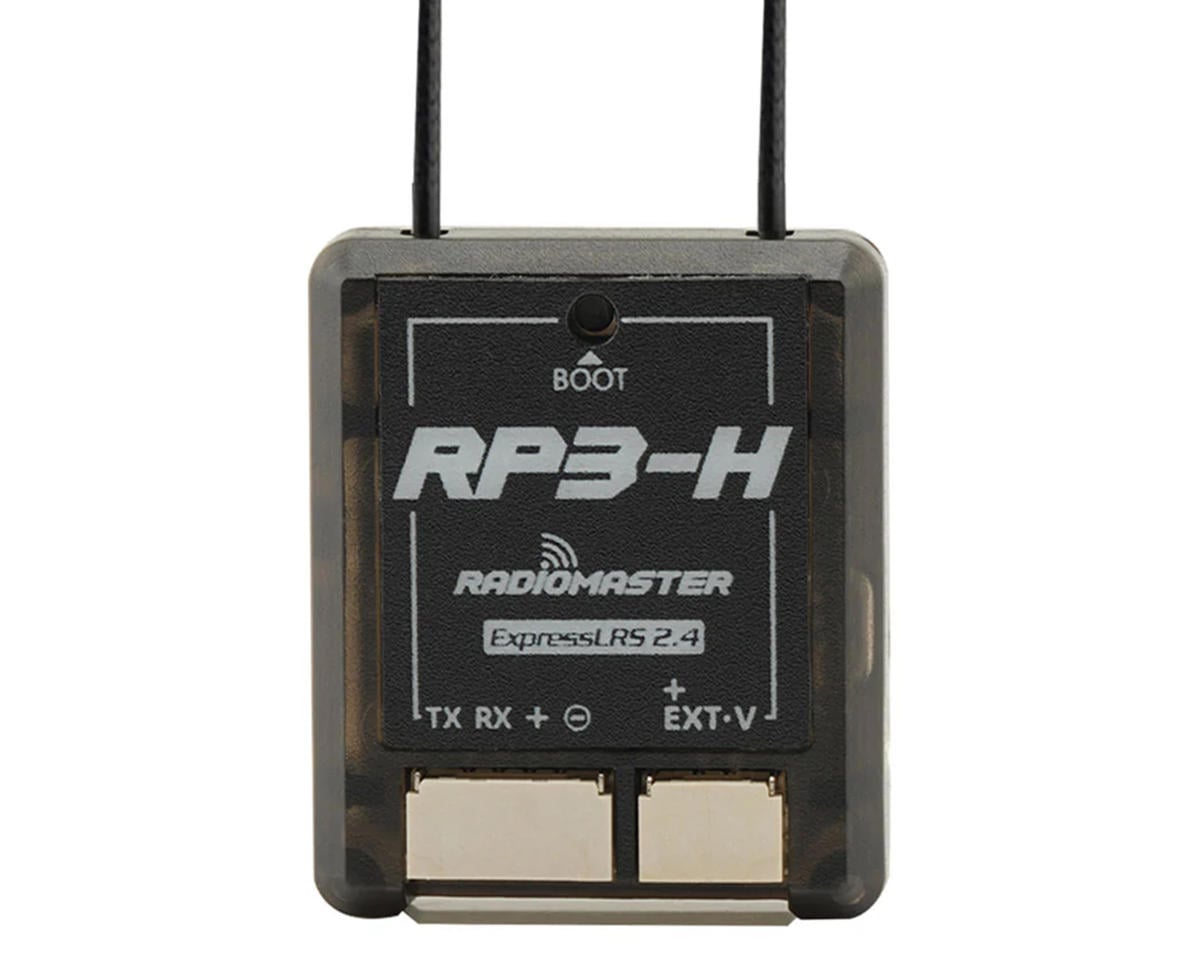
An ExpressLRS radio may announce ‘telemetry lost’ while the quad still responds to stick commands. That does not necessarily mean the receiver has stopped hearing your transmitter. ExpressLRS has an uplink that carries control commands and a downlink that sends telemetry back. Their power, antenna paths and reporting intervals can differ. Understanding which direction is degraded is more important than muting the warning.
Read the correct metrics
Uplink link quality (often shown as RQly or LQ) describes the share of valid command packets received by the aircraft; uplink RSSI dBm indicates signal strength at the receiver. TQly and telemetry RSSI describe the reverse direction back to the radio. A weak downlink can trigger radio alerts before uplink commands disappear. Neither strong RSSI alone nor a single momentary LQ reading guarantees that a flight route is safe.
Check whether telemetry is enabled by design
Open the ExpressLRS Lua script on the radio while disarmed and inspect packet rate, telemetry ratio and dynamic power settings. A telemetry ratio of 1:64 uses approximately one of every 64 packets for downlink telemetry; ‘Off’ deliberately removes normal telemetry. Race-oriented modes can change or suspend telemetry behavior when armed. Compare the selected profile with the aircraft’s receiver and firmware before assuming a fault.
Antenna placement makes the two paths behave differently
A receiver antenna buried behind carbon or close to high-current leads can change its radiation pattern. The transmitter antenna can also be blocked by the pilot’s body or pointed into its own weakest radiation direction. Diversity and Gemini hardware need a mounting strategy appropriate to each antenna design; two antennas placed almost identically can lose much of the benefit of diversity. Never unplug an active transmitter antenna to ‘test range’.
Do not mistake a telemetry alarm for a safe-to-continue verdict
If telemetry alerts accompany falling uplink LQ, escalating RSSI weakness, or abnormal failsafe behavior, stop and land. Before the next flight, perform a cautious range check using the current ExpressLRS guidance and a suitable legal flying location. Record packet rate, receiver type and antennas so configuration comparisons are meaningful. Changing radio packet rate in flight can itself force a disconnection and must never be attempted.
Choose hardware by the link environment
Compact single-antenna receivers are convenient in very small builds. A properly installed true-diversity receiver can help when orientation changes substantially, provided compatible transmitter hardware and antennas are used. Check frequency band and protocol—not just the connector shape—before purchase. In the UAE, radio operation must also remain within applicable local requirements.
Symptom / decision matrix
| RQly falling, TQly healthy | Potential aircraft-side uplink reception problem |
|---|---|
| RQly healthy, TQly falling | Downlink telemetry path may be weaker |
| Telemetry Off in Lua | No normal telemetry is expected |
| Both deteriorate around the same position | Investigate distance, obstructions and antennas |
Practical checklist
- Confirm the receiver and TX firmware versions
- Review the Lua telemetry ratio and packet rate while disarmed
- Inspect antennas, coax and installation
- Record RQly, TQly and RSSI trends—not just one number
- Retest at safe short range before ordinary flight
Frequently asked questions
Should I disable the telemetry lost voice alert?
Not until you understand the cause; alarms provide useful diagnostic information.
Is RQly the same as RSSI dBm?
No. RQly measures the fraction of valid packets; RSSI reports signal strength.
Keep learning and compare products
Manufacturer and technical references: ExpressLRS signal health documentation · ExpressLRS Lua settings. Confirm specifications against the exact product and firmware revision.

















