


Used DJI Drone Still Bound to the Previous Owner? The Safe Transfer Checklist

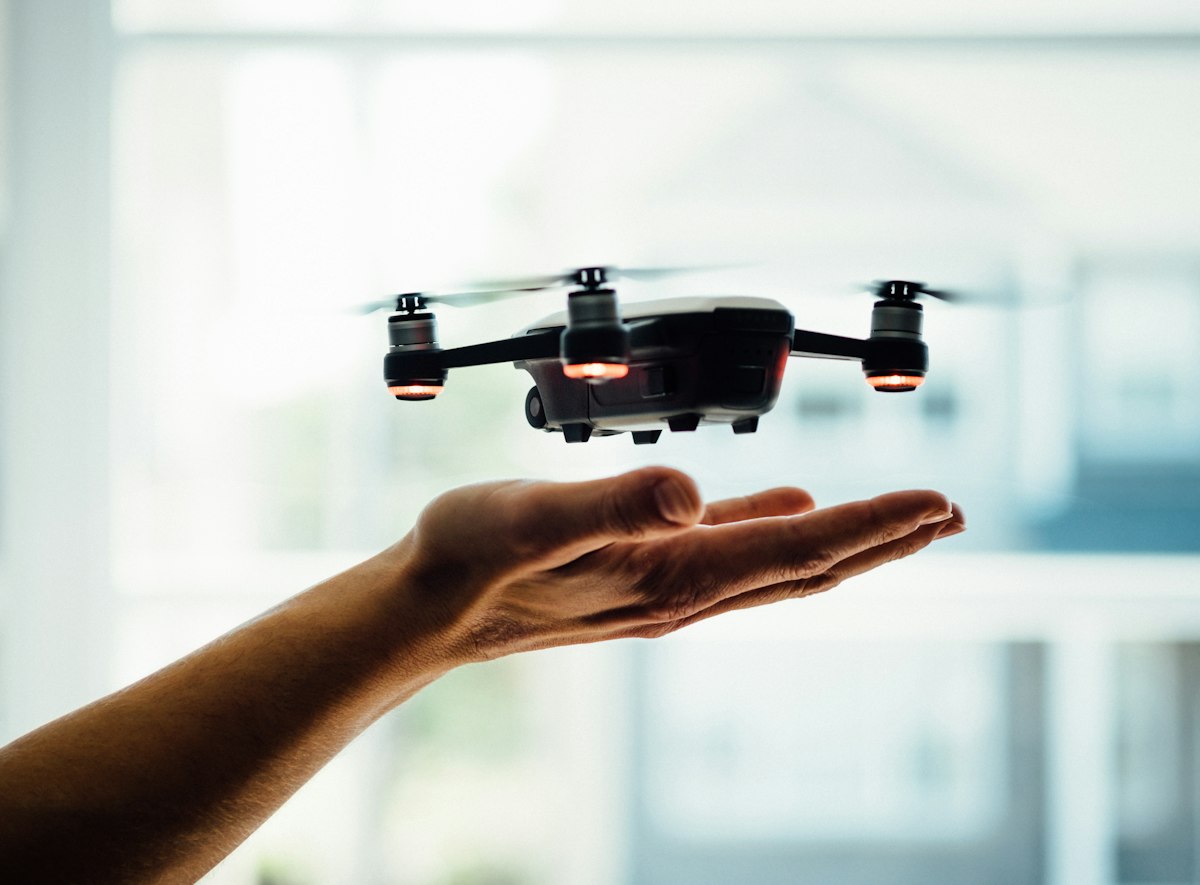
A second-hand drone can power on, show a clean camera feed and even fly—yet still be registered to someone else’s DJI account. The surprise often comes later, when a controller is replaced, Flyaway services are needed or a new buyer tries to complete a proper transfer. This is an ownership-transfer issue, not a Wi-Fi pairing trick.
Before you make changes
- Do not pay in full until the seller demonstrates the aircraft’s binding status in DJI Fly.
- Record the exact aircraft and remote-controller serial numbers; do not confuse a controller-link prompt with the aircraft account binding.
- Do not try third-party ‘unlock’ firmware, identity spoofing or account bypass services.
Three relationships that buyers confuse
The radio link between aircraft and controller is only the first layer. DJI account binding records which account owns the device relationship; for applicable models, remote-controller binding affects services such as Flyaway reporting. A seller may show you smooth stick response while the aircraft still appears under their Device Management page. Conversely, the new owner’s account may be signed in while the aircraft remains bound elsewhere.
DJI’s official guidance makes a crucial distinction: connecting to an aircraft is not the same as successfully removing the old account relationship. Ask the seller to show the account email (without sharing the password), device serial and the successful unbinding confirmation. For goggles-based systems, follow the supported phone-connected workflow rather than assuming camera-drone menus are identical.
A pre-purchase test worth ten minutes
- Inspect the physical serial number, aircraft model and controller model. Compare these with the serial shown inside the app.
- With the seller present, connect aircraft, controller and the DJI Fly app under the seller’s account.
- Open Profile > Device Management, select the aircraft and check its binding status.
- After sale terms are agreed, have the owner select Remove Device from Account and complete the confirmation.
- Sign in with the buyer’s account, connect the aircraft and use Bind to Account. If applicable, complete remote-controller binding separately.
- Restart the equipment, verify the new account association and retain the invoice and serial-number record.
App paths may vary by DJI Fly version. If the owner is remote, ask them to follow DJI’s current remote-unbinding guidance and then verify the state yourself. Never treat a screenshot of an old screen as proof of completion.
What the warning usually means
A prompt about a non-bound remote controller is not the same as a failed RC-aircraft radio link. A device bound to an old account may remain operable in some situations, but service eligibility can be affected. Similarly, after a long offline period, a signed-out DJI Fly session can create restrictions that have nothing to do with hardware ownership.
The fastest reliable diagnosis is to write down the exact on-screen warning, check the three-way relationship—account, aircraft, controller—and compare it with DJI’s model-specific instructions rather than immediately reinstalling the app.
| What you see | Likely layer | Next verification |
|---|---|---|
| Aircraft flies but old account appears | Account binding | Seller removes device; buyer rebinds |
| Controller connected, binding notice | Controller/service binding | Check Device Management and Value-added Service |
| Distance/altitude limited after long offline period | Account login or flight setting | Sign in; inspect DJI’s limit guidance |
| Previous owner unavailable | Ownership transfer | Use DJI’s official request process; do not assume success |
If the seller disappears or will not cooperate
DJI provides a request route for second-hand rebinding situations, but it is not a guaranteed administrative override. DJI says the original account holder must perform unbinding; if that person does not respond or refuses, DJI may be unable to remove the binding. That is why the solution belongs in the transaction process, before payment and before the drone is shipped.
Ask the seller or marketplace for a documented resolution. Preserve order evidence, serial numbers and messages. Do not publish serial numbers openly in forums. A legitimate replacement controller does not automatically transfer aircraft account ownership.
How this changes the buying decision
Battery cycles, gimbal calibration and a test flight matter, but none replaces a verified device transfer. If buying in Dubai or elsewhere in the UAE, also check the applicable operating permissions separately from the manufacturer account. A seller’s successful test flight does not prove local authorization for the buyer’s intended location. Budget for a replacement battery and props only after you have cleared the ownership question.
If you plan to use DJI Care-related Flyaway reporting, verify that the correct account and controller relationship is in place for the specific aircraft and coverage terms. Keep purchase documentation accessible. This prevents a small second-hand saving from becoming a costly support dispute.
Field-ready checklist
- Aircraft model and both serials match the listing
- Old owner removed binding under their account
- Buyer bound aircraft; controller binding checked where supported
- Camera, recording, battery status and basic flight checked safely
- Local operational rules reviewed separately
How to complete the seller-to-buyer handover in practice
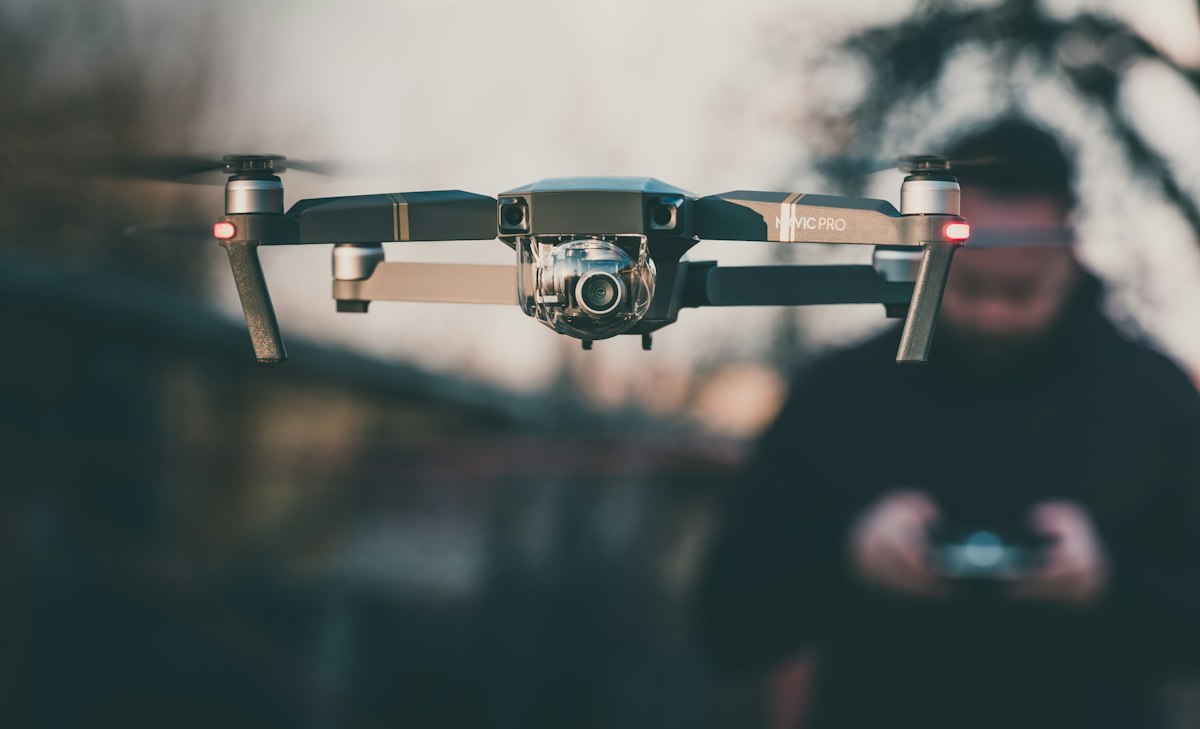
Arrange the handover with both DJI accounts accessible and with a stable internet connection. Check the aircraft’s serial number from the connected device information and compare it with the serial on the item and sale documentation. Do not ask the seller for their password or recovery codes. The seller should perform the unbinding procedure while signed into the account currently holding the aircraft relationship. The buyer then signs into a separate account and binds the aircraft according to the current DJI Fly instructions. For supported drones, the remote-controller relationship is handled separately in the value-added service section. Finish by restarting or reconnecting the equipment and checking that the new account association persists.
This is more reliable than accepting a screenshot that simply says “connected.” A radio connection proves that the remote is communicating with the aircraft; it does not show that the previous account relationship has been removed. The seller may also have more than one aircraft in the same DJI account. Ask them to identify the serial number, not just select a product with a familiar model name. If the seller has changed controllers, inspect which controller is in the sale and which one is registered for the service relationship, rather than assuming a replacement controller transfers ownership automatically.
For a remote sale, put the unbinding requirement in the written agreement before the item ships. The original account holder can use DJI’s supported remote-unbinding workflow, but the buyer should still verify status on the delivered hardware. If the seller delays or declines, use the marketplace’s buyer-protection process while the transaction record and complaint period are available. Treat “I’ll fix the binding after delivery” as an unresolved purchase condition.
Five commonly confused warnings and how to interpret them
Aircraft bound to another account: The ownership relationship has not been transferred. Re-pairing the radio will not fix it. Connected remote not bound for services: The radio may work while the service binding still needs attention. Aircraft disconnected: Investigate the actual radio, phone and aircraft connections; that warning does not by itself identify an owner. App signed out: A controller or phone that has been offline for an extended period may prompt a login and impose certain limits. Serial mismatch: Stop and identify the exact aircraft and its repair history rather than trying to force a binding process against the wrong serial.
These differences matter because each warning leads to a different support route. DJI’s second-hand guide makes clear that a request to remove an old account is not a guaranteed administrative override. DJI may notify the original account owner, but that owner must complete the removal; lack of response or refusal can prevent the request being fulfilled. A buyer should therefore confirm the owner relationship before valuing an attractive package of spare batteries, ND filters or a premium remote controller.
Another trap is treating firmware updating or factory reset as a substitute for ownership transfer. Software changes may affect connection or camera performance, but DJI account binding is a separate process. Do not install unofficial firmware or paid “account unlock” services that promise to bypass proof of ownership. Aside from the security concern, those methods can complicate later service or resale.
Document a used DJI transaction without exposing private information
A useful sale record contains the aircraft model, serial number, controller model, included accessories, battery information where available, price, date and a statement that the seller completed account unbinding. It does not require a copy of the seller’s account password or private email inbox. Keep the payment receipt, original listing, any authorized repair invoices and a private screenshot of the aircraft shown in the buyer’s Device Management list after binding. Full serial numbers should be shared with DJI support when necessary, not placed in public discussion threads.
Ask the seller about crashes, immersion, gimbal work and flight-controller replacement. Photograph the frame, gimbal, propeller motors, battery compartment, charger and serial label. If a repaired aircraft has an unusual serial relationship, seek official documentation. The buyer should perform an ordinary functional inspection separately from the account transfer: verify a healthy image feed, camera recording to the SD card, battery latching and appropriate warnings. A successful ownership transfer does not guarantee the mechanical condition of the equipment.
For Dubai buyers, confirm local flying authorization independently from DJI binding. Manufacturer activation cannot serve as registration with an aviation authority or permission to operate in restricted airspace. A seller’s demonstration flight is not proof that the new owner may perform the same flight at another location. Build both checks into the acceptance process, particularly for aircraft intended for commercial filming or customer work.
A complete on-site acceptance test
Set aside ten to fifteen minutes rather than rushing through a sale in a parking lot. First identify the serial and model. Second, confirm the old account relationship is removed. Third, verify the new DJI account and relevant remote binding. Fourth, check the aircraft, controller and spare batteries for damage. Fifth, make a short recording and inspect the original file, not only a cached preview. Sixth, confirm the agreed charger, gimbal protector and props are actually included. If a short flight test is appropriate, only fly where it is legal and safe, and begin with a conservative hover and return.
Before completing payment, ask what happens if a later support request finds the binding incomplete. A professional reseller can document the transfer and provide a clear resolution route. After acceptance, make sure the seller’s personal account is signed out of any shared setup phone and that the buyer has not retained another person’s credentials. A clean, repeatable handover is a genuine feature of a valuable used aircraft because it makes future support, insurance evidence and resale much less complicated.
Frequently asked questions
Can I fly a second-hand DJI drone before unbinding?
Some functions may still operate, but that does not resolve ownership or service restrictions. Complete transfer before relying on the aircraft.
Will a factory reset clear the old account?
Do not assume it will. DJI describes account unbinding as a separate operation involving the bound account.
Can DJI support unbind any used drone on request?
DJI’s published process has ownership safeguards and may require action by the original account holder. The request itself does not guarantee removal.
Related FalconFly guides
References and verification
Manufacturer guidance takes precedence over forum anecdotes. Menus and feature availability can change with the aircraft, application and firmware revision; verify on the exact device.

















