


Scratched DJI O4 Pro Camera Lens: Filter, Cover Glass or Sensor Problem?

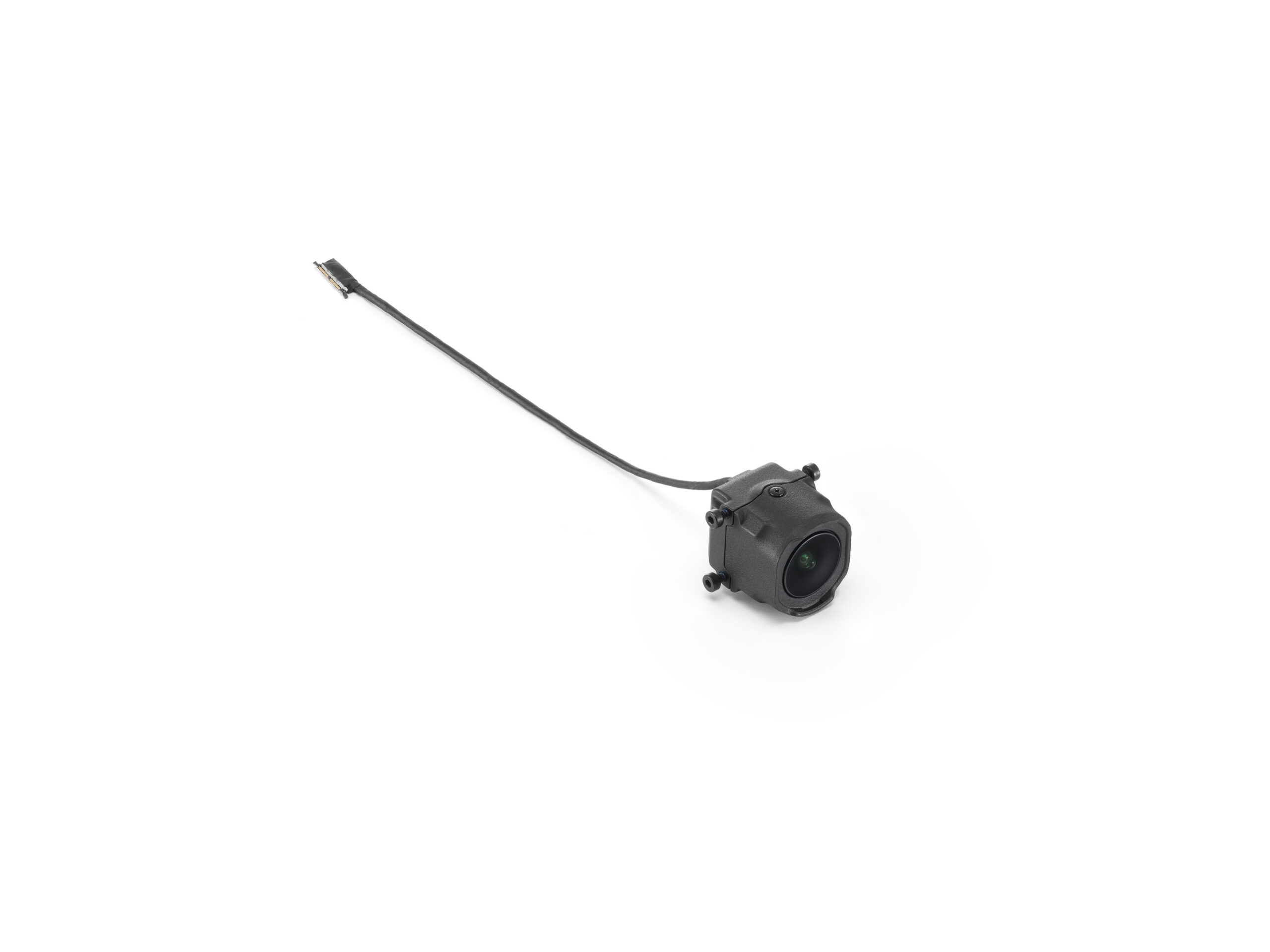
A crash leaves a small mark on the front of an O4 Pro camera. The goggles still show video, but the recording looks slightly hazy in sunlight. The owner immediately orders a new camera module. Before spending that money, separate four things that can look similar in footage: dirty protective surfaces, a scratched accessory filter, damaged optical glass and electronic image or focus trouble. The correct repair depends on which surface is actually affected.
Start with the accessory in front of the lens
If a removable filter or manufacturer-approved protective element is fitted, inspect it separately with the power off. Fingerprints, dried salt spray and fine sand can scatter light, particularly toward the sun. A scratched removable accessory may be replaceable without opening the camera. Do not confuse an accessory filter with the camera’s permanent optical assembly. Consult the exact O4 Pro documentation before attempting to unscrew or remove any part of the camera housing.
Look for symptoms in controlled light
Record a short comparison with a consistent scene, moderate contrast and enough light. Haze or flare only near bright sources often points toward a contaminated or scratched front surface. A persistent soft area, unexpected reflection or geometric defect may suggest more serious optical damage. If the problem appears only in the goggles but not in onboard files, investigate the transmission and viewing path instead. Comparing the same clip in different viewers can avoid an unnecessary camera replacement.
Avoid the cleaning mistakes that turn dirt into scratches
Never rub dry grit across coated optical glass. Use manufacturer-approved lens cleaning materials, remove loose debris safely and avoid aggressive solvents or household paper towels. Salt residue is particularly easy to smear. If the camera has cracked glass, exposed internal components or a damaged seal, stop and seek proper service. Trying to polish a permanent optical surface can permanently change coatings and increase flare.
Diagnose before ordering parts
| Symptom | First check |
|---|---|
| Flare after a beach flight | Deposits or scratches on outer surface |
| Blur after installing an ND | Filter quality, seating and cleanliness |
| Intermittent black frame after crash | Camera cable and electrical connections |
| Visible crack in camera glass | Manufacturer-authorized camera service |
Why the cheapest camera replacement isn’t always cheaper
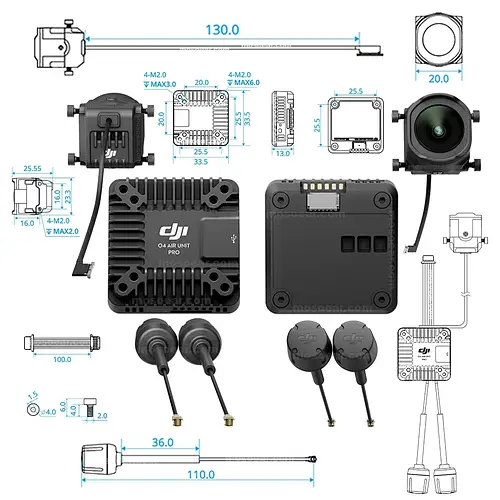
Replacing a camera can involve compatible module revisions, delicate coax routing and precise mounting. A replacement sensor or camera unit for a different O4 model may not be compatible even when the shell looks familiar. Compare approved parts, repair labor, downtime and the cost of the complete digital system. For a professional shoot, the reliable option may be proper service rather than experimenting with unverified optical parts.
Example: the mark that only appears against the sun
After an indoor test, an owner believes the camera is repaired because the picture looks sharp. Outside, the footage develops a large halo whenever the sun is just beyond the frame. This is typical of how surface contamination or optical scratches may become most visible under strong backlighting. A structured comparison should include an ordinary well-lit scene, a high-contrast scene and a check of the removable accessory filter. Do not intentionally point the camera into damaging light sources or lasers. For a DJI O4 Air Unit Pro, confirm the approved front optical parts rather than fitting an arbitrary lens element that happens to be the same diameter.
Keeping the repair decision proportional
If cleaning the approved external surface and removing an undamaged accessory filter do not resolve the defect, inspect the image path with authorized service guidance. Determine whether the issue is in the camera module, cable or recording mode. Replacing the entire video transmitter because the optical front element is scratched can be an unnecessarily broad repair; equally, continuing to fly with cracked camera glass may allow debris or moisture to reach sensitive parts. Identify the damaged component before ordering.
Common questions
Will a fresh ND filter hide a scratched permanent lens?
It cannot restore damaged optical glass; it may add more reflections instead.
Can I polish an O4 Pro camera lens with household cleaner?
Avoid unsupported polishing and solvents; follow manufacturer optical-cleaning guidance.
Is a black screen proof the lens is scratched?
No. Black video more often requires an electrical or transmission-path diagnosis.

















